Login
Logging into the WSDC platform is the first step for applicants to access their dashboard, view job opportunities, and complete onboarding. This guide walks you through logging in using your Singpass credentials securely.
Step 1. Visit the ITE WSDC website
Enter the main platform https://wsdip.ite.edu.sg/login and click on the student “Login” button.
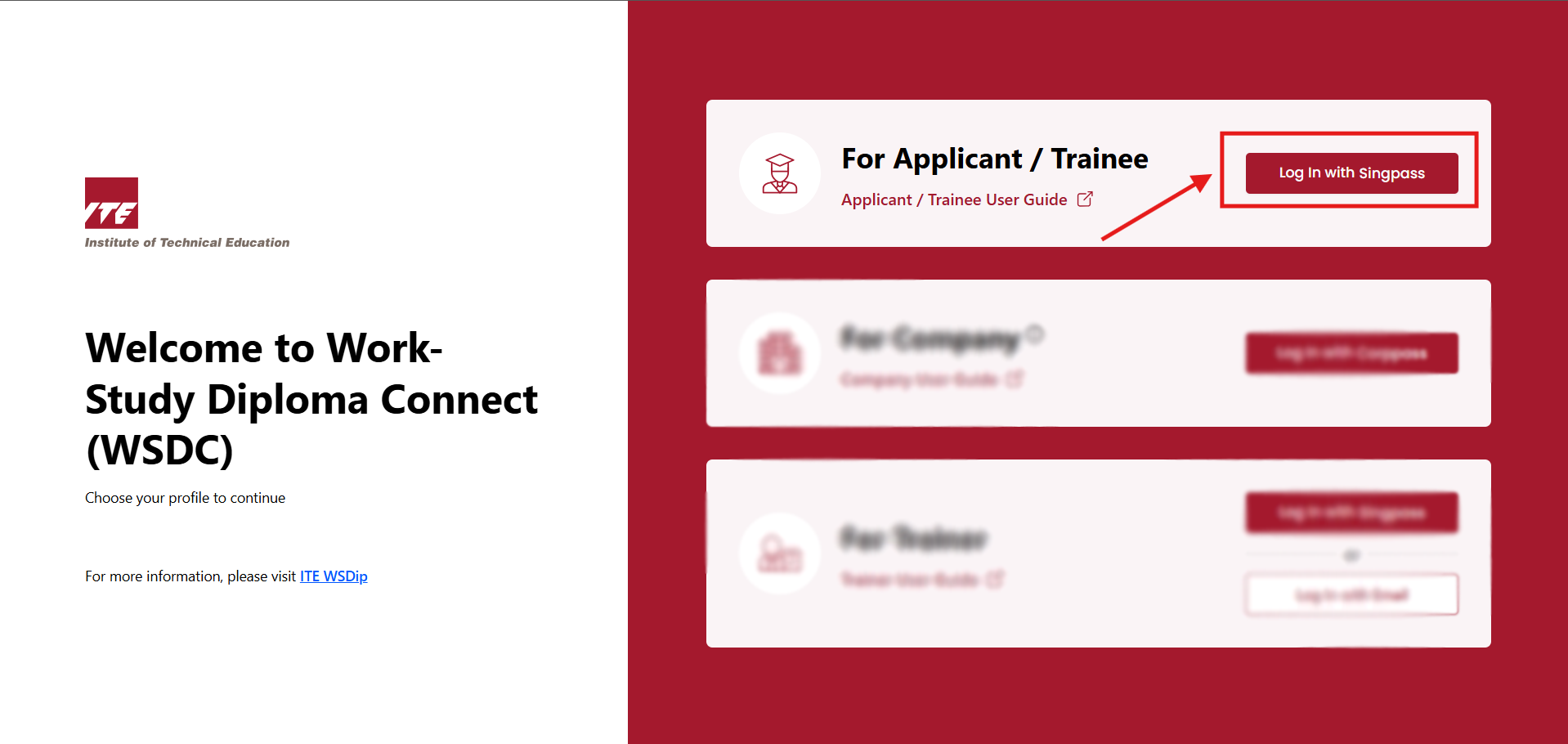
Step 2. Login with Singpass
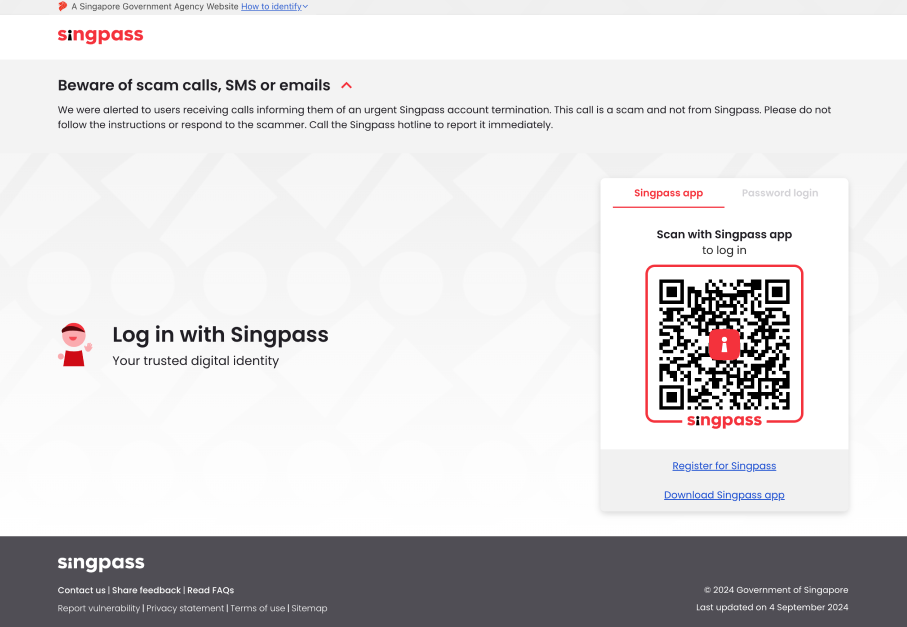
You will be redirected to the Singpass login portal:
- Log in using your Singpass credentials.
- If login fails, retry or contact technical support.
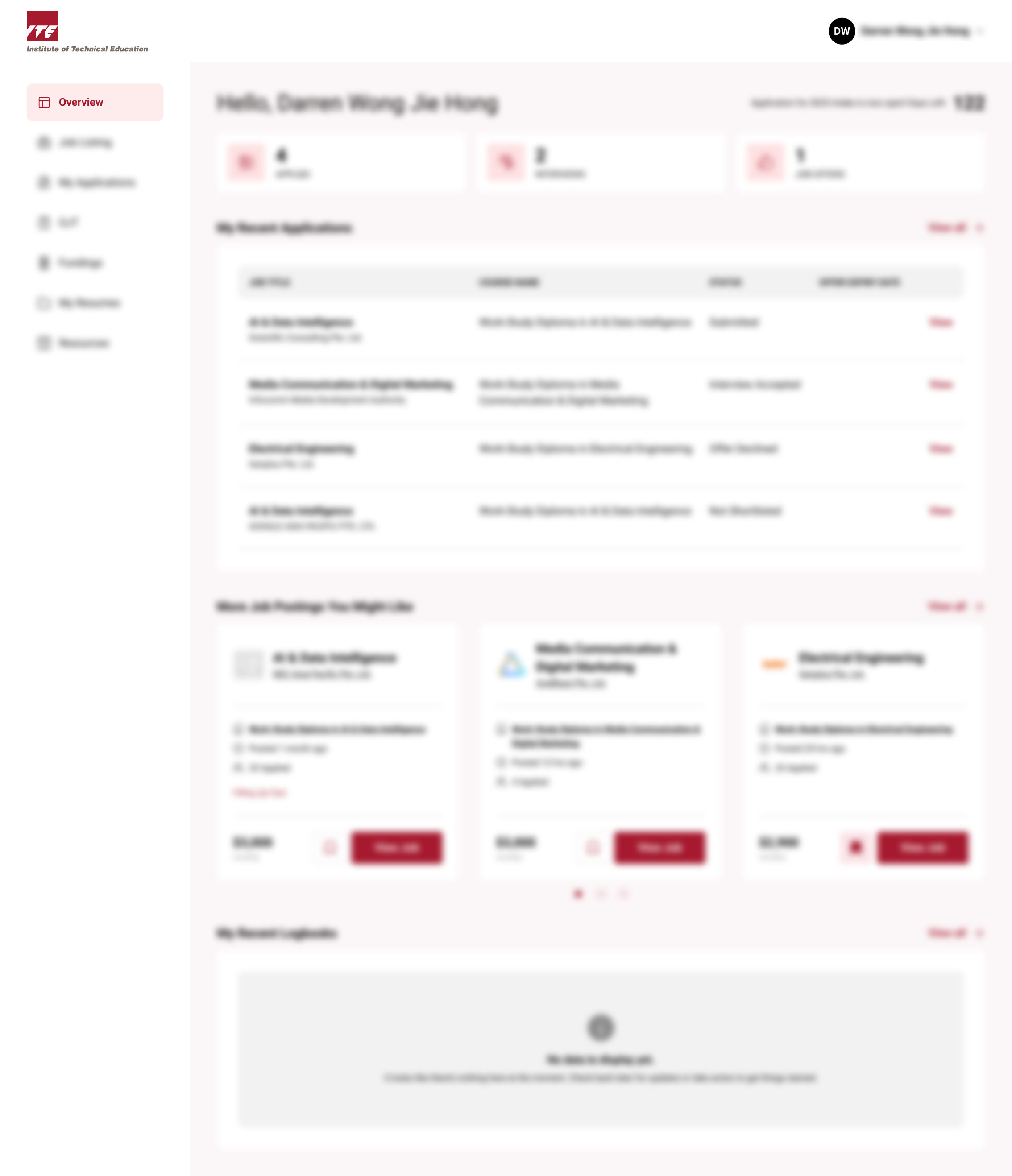
Step 3. Successful Redirect
On Successful Login, You will be redirected to the Overview page: