Decline Job Offer
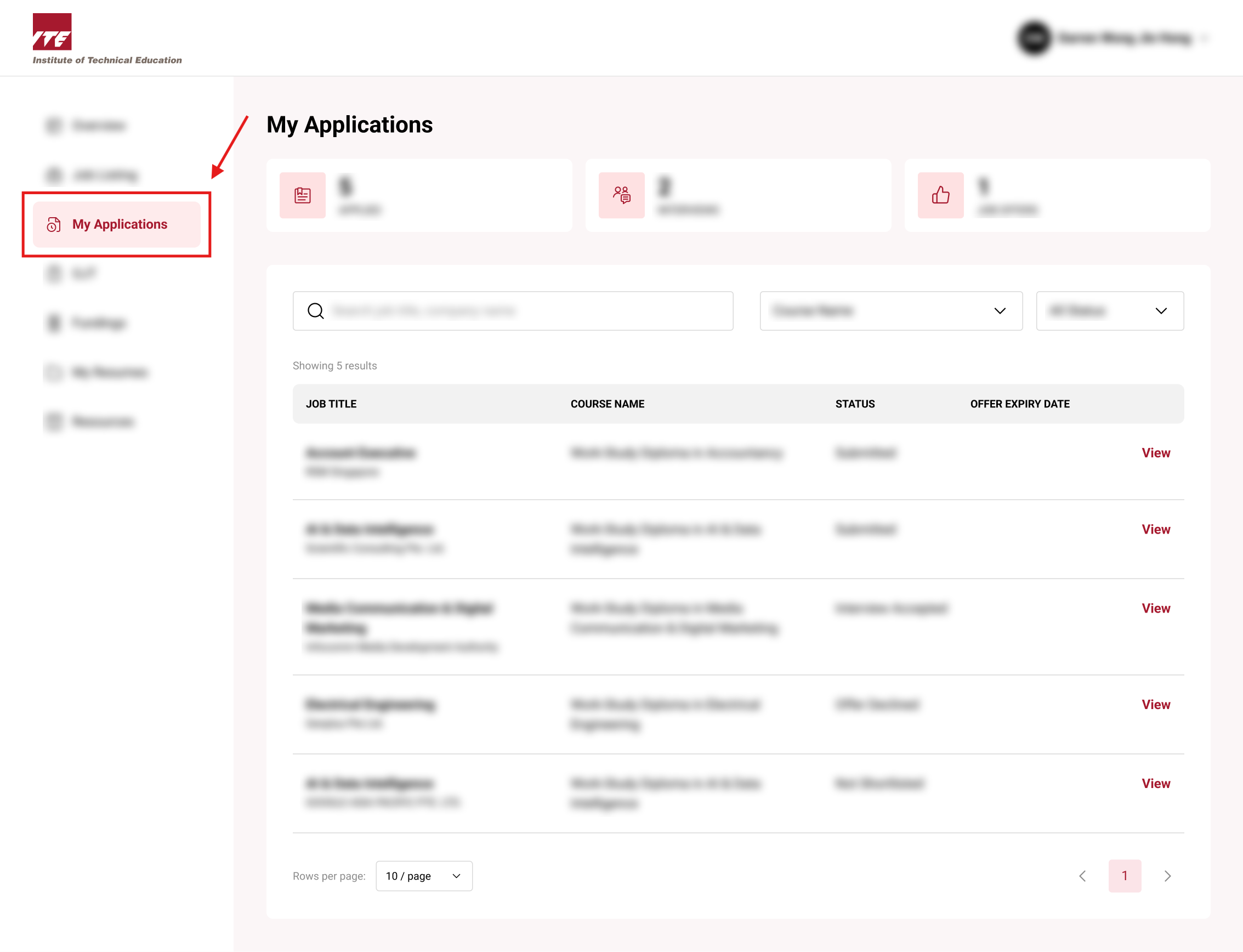
Step 1. Navigate to My Applications Tab
Click on the "My Applications" Tab to all Job Applications.
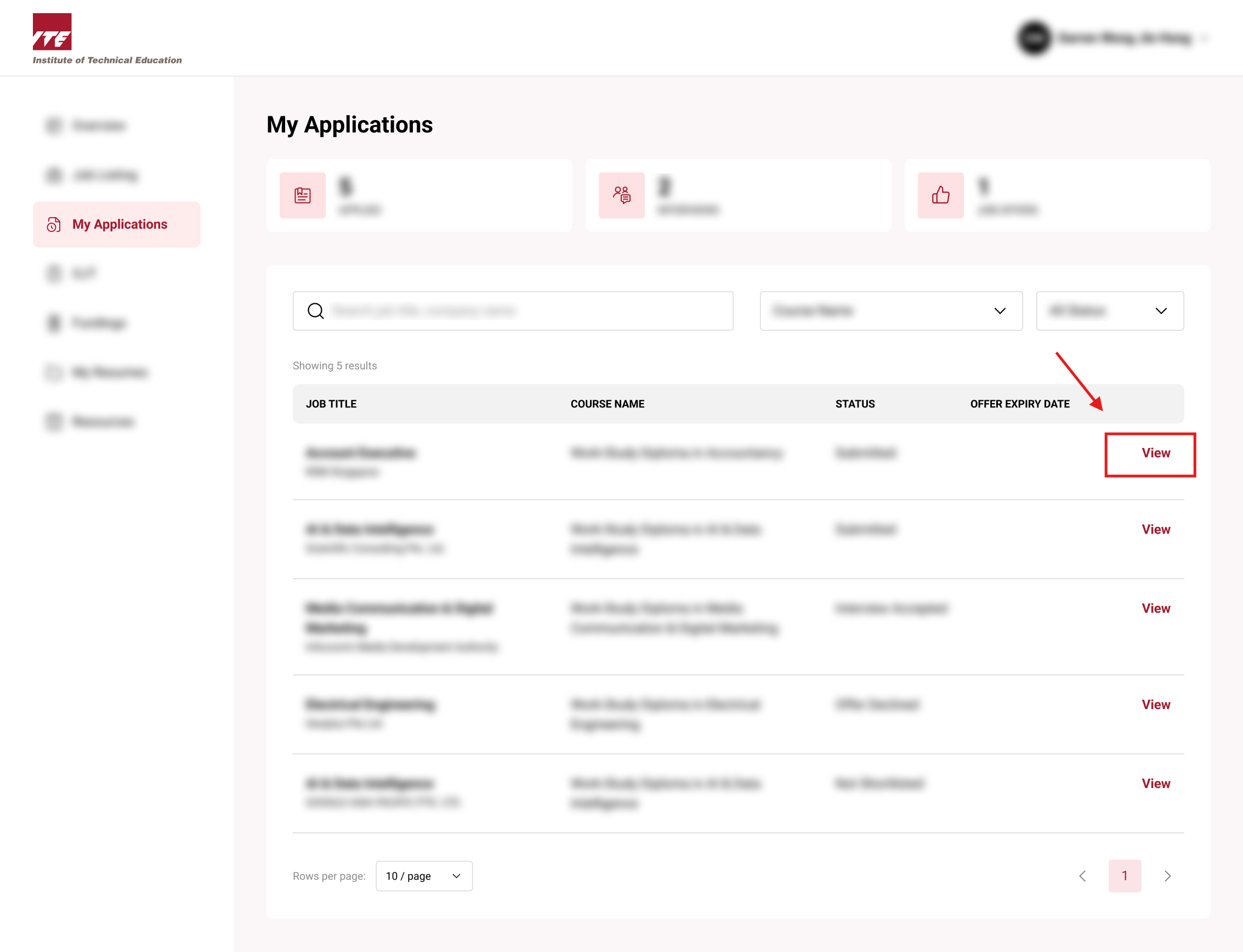
Step 2. Select Application
Click on the Specific Application you wish to view.
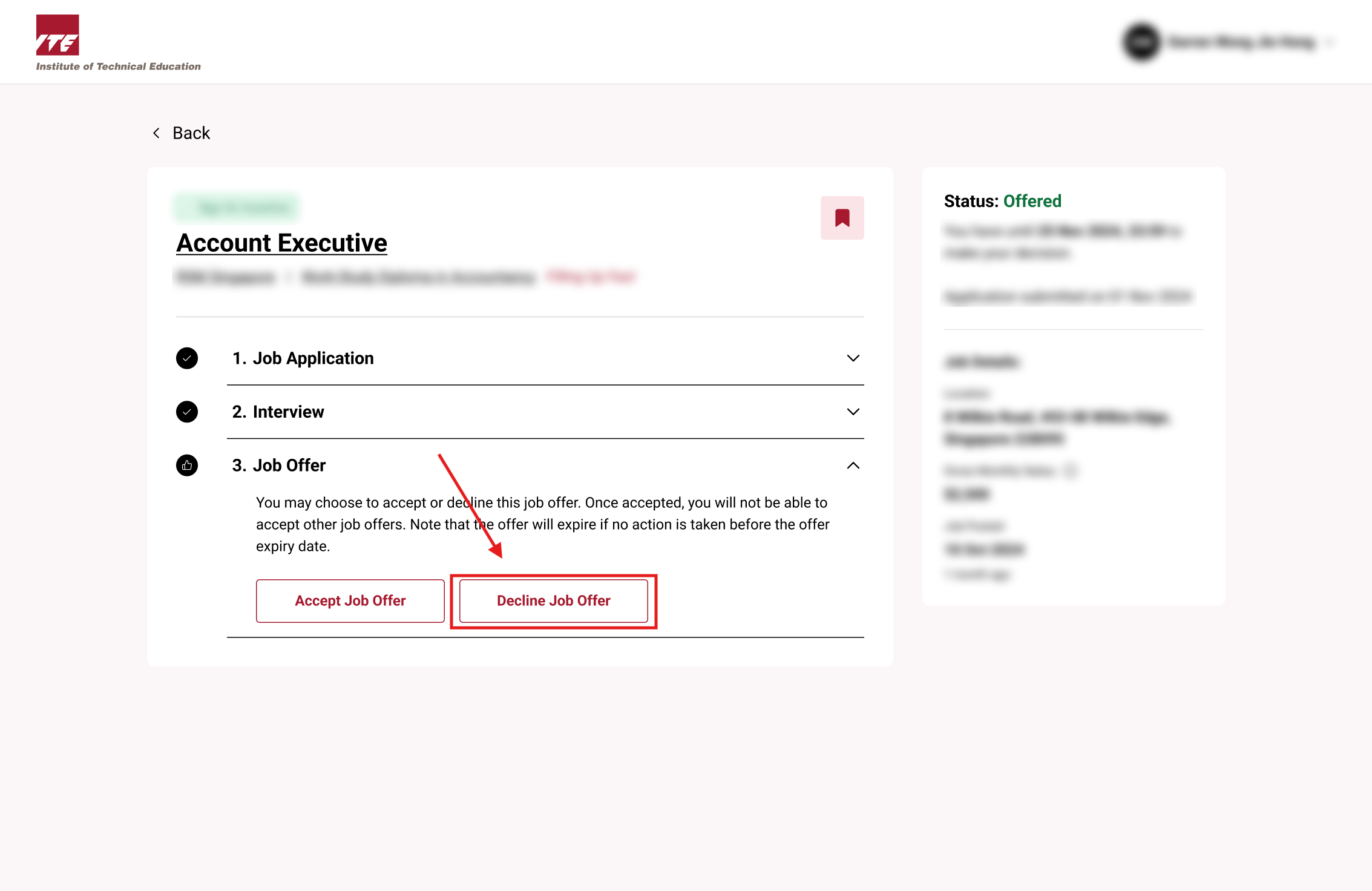
Step 3. Decline Job Offer
You will be routed to the Application details page.
Click on the "Decline Job Offer"
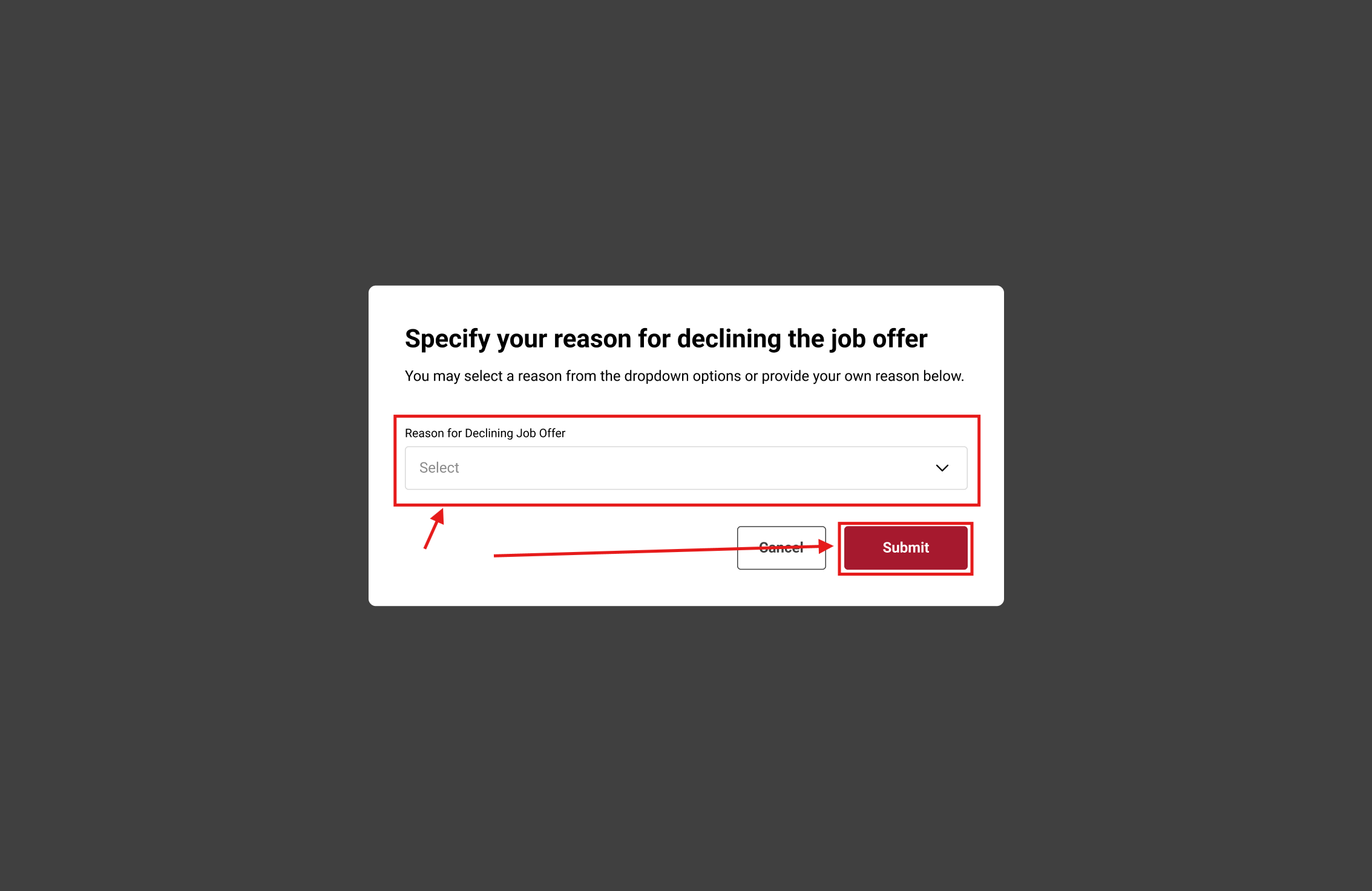
Step 4. Enter Reason
Enter a reason as to why you want to decline the Job Offer and click "Submit".
Tips
- ⚠️ Once declined, the offer cannot be retrieved.
- Declining early allows employers to move forward with other candidates.
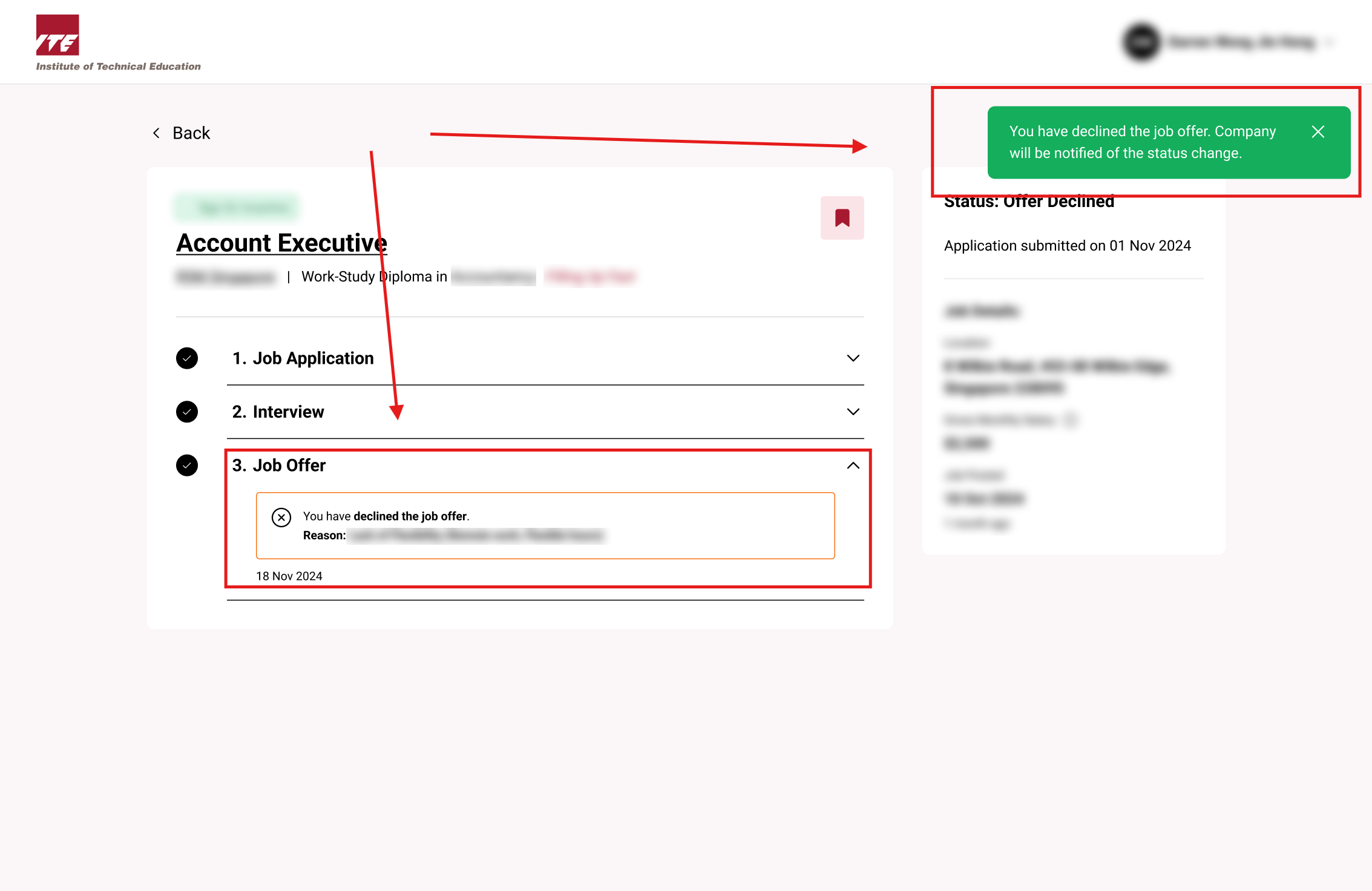
After Declining the Job Offer, a notification will appear to inform you that you have declined the Job Offer.