View Job
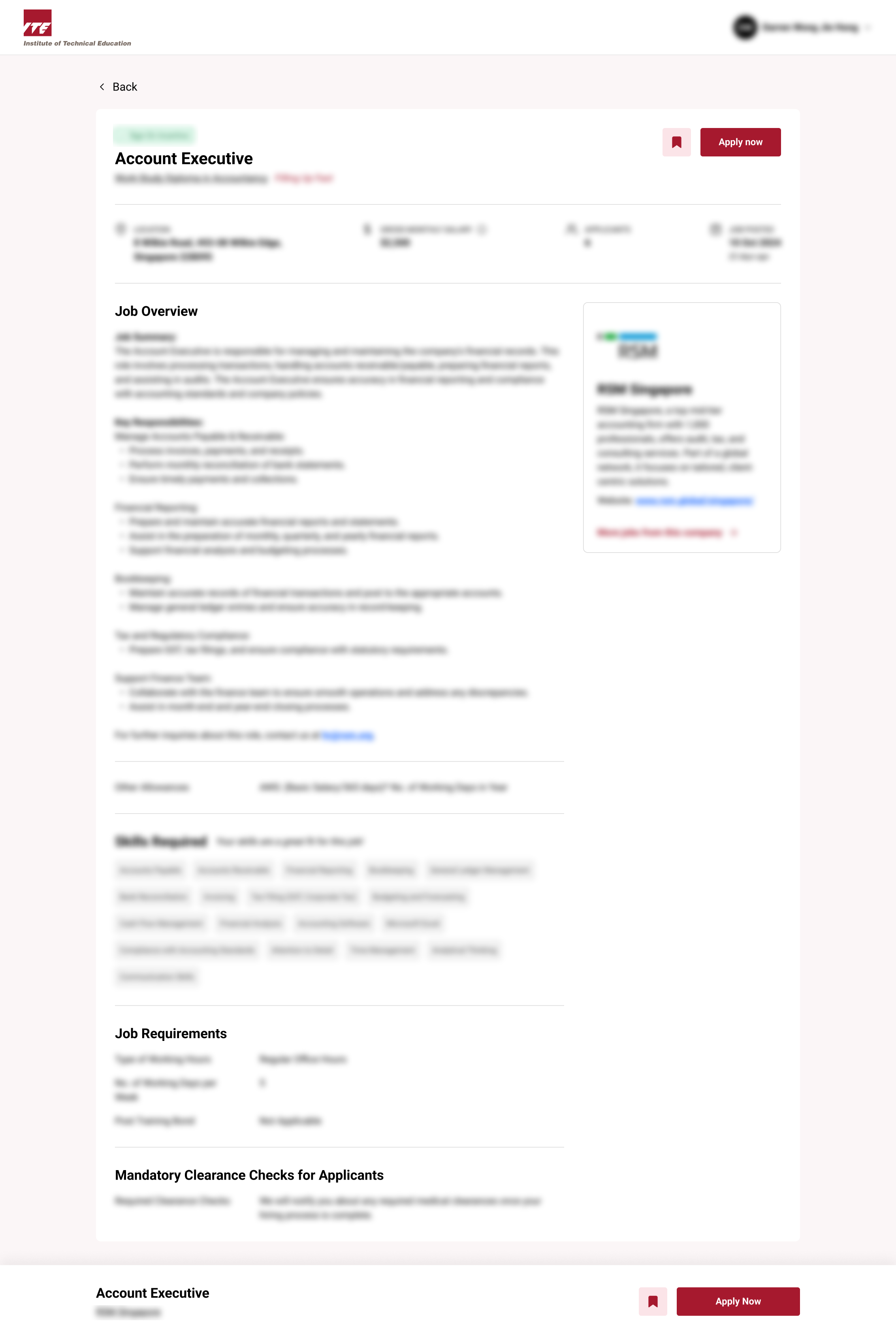
Viewing a job post lets you see full role details before applying. This includes job description, requirements, and skills required.
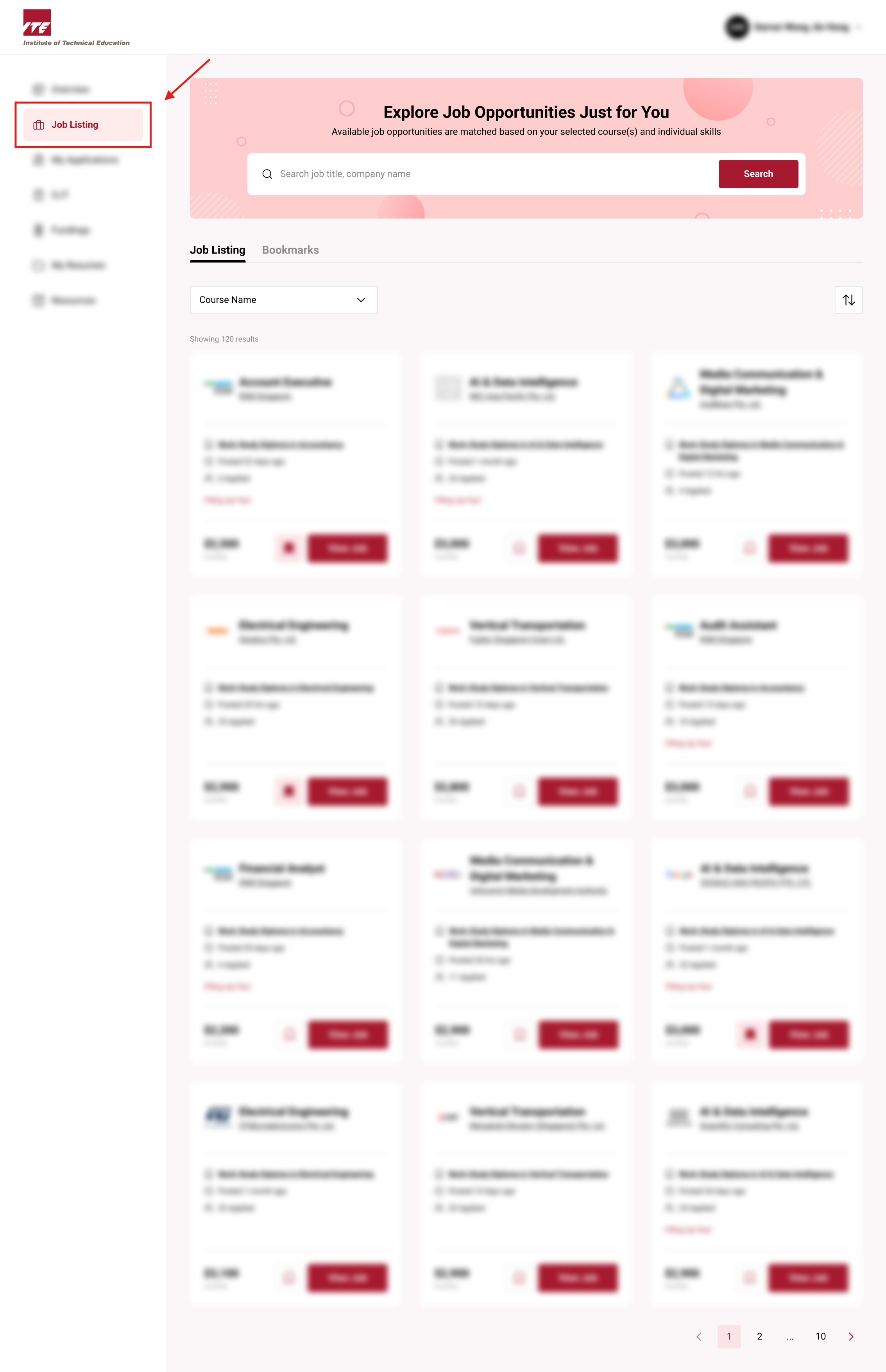
Step 1. Navigate to Job Listing Tab
Click on the Job Listing Tab to View Jobs that are from trainee's approved courses.
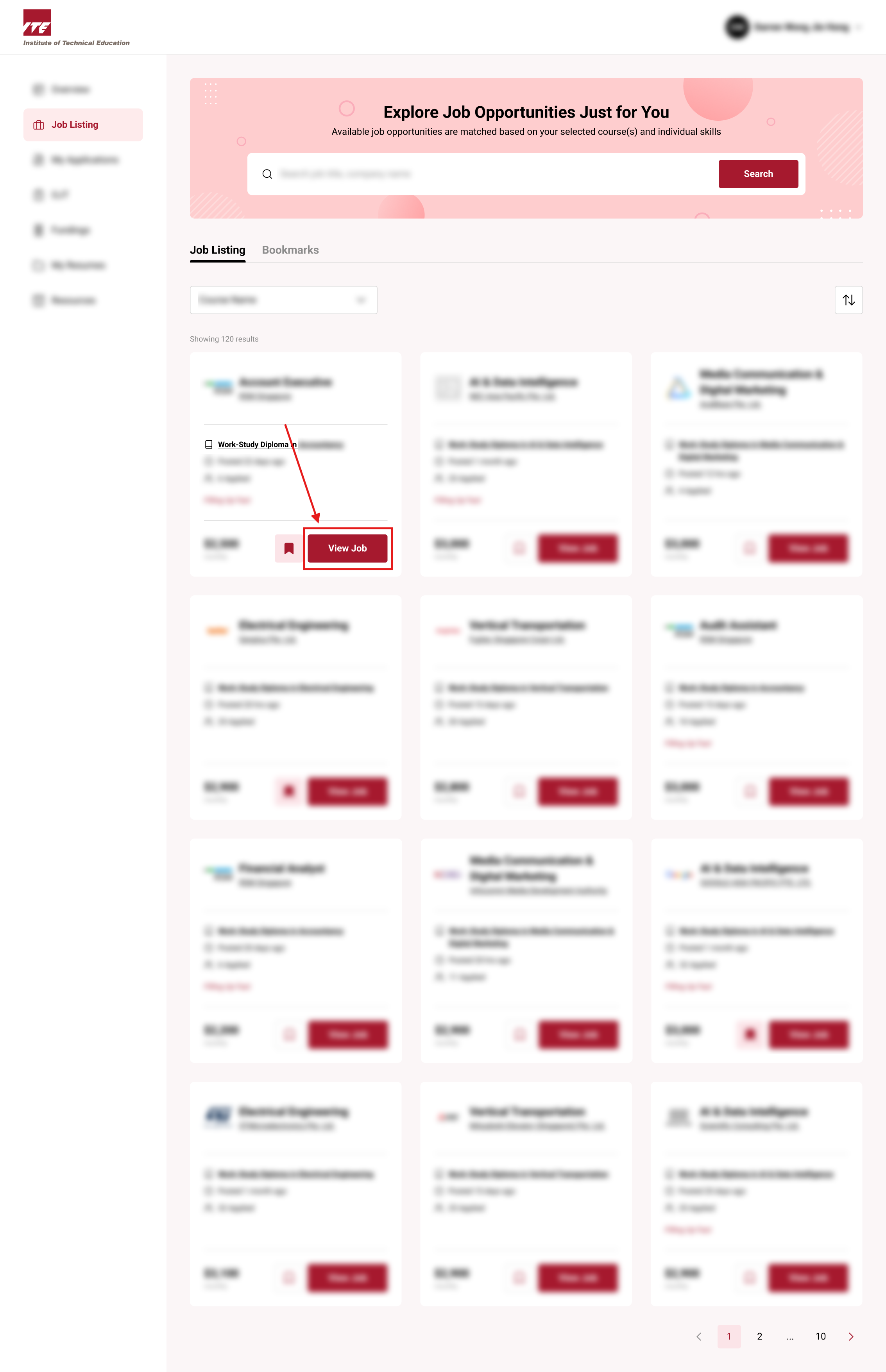
Step 2. Select Jobpost
Select to view a Job Post that you are interested in
Step 3. Redirect
You'll be directed to the Job Post Details Page where you will see all the details about the job role