Create and Submit Overseas Attachment Grant
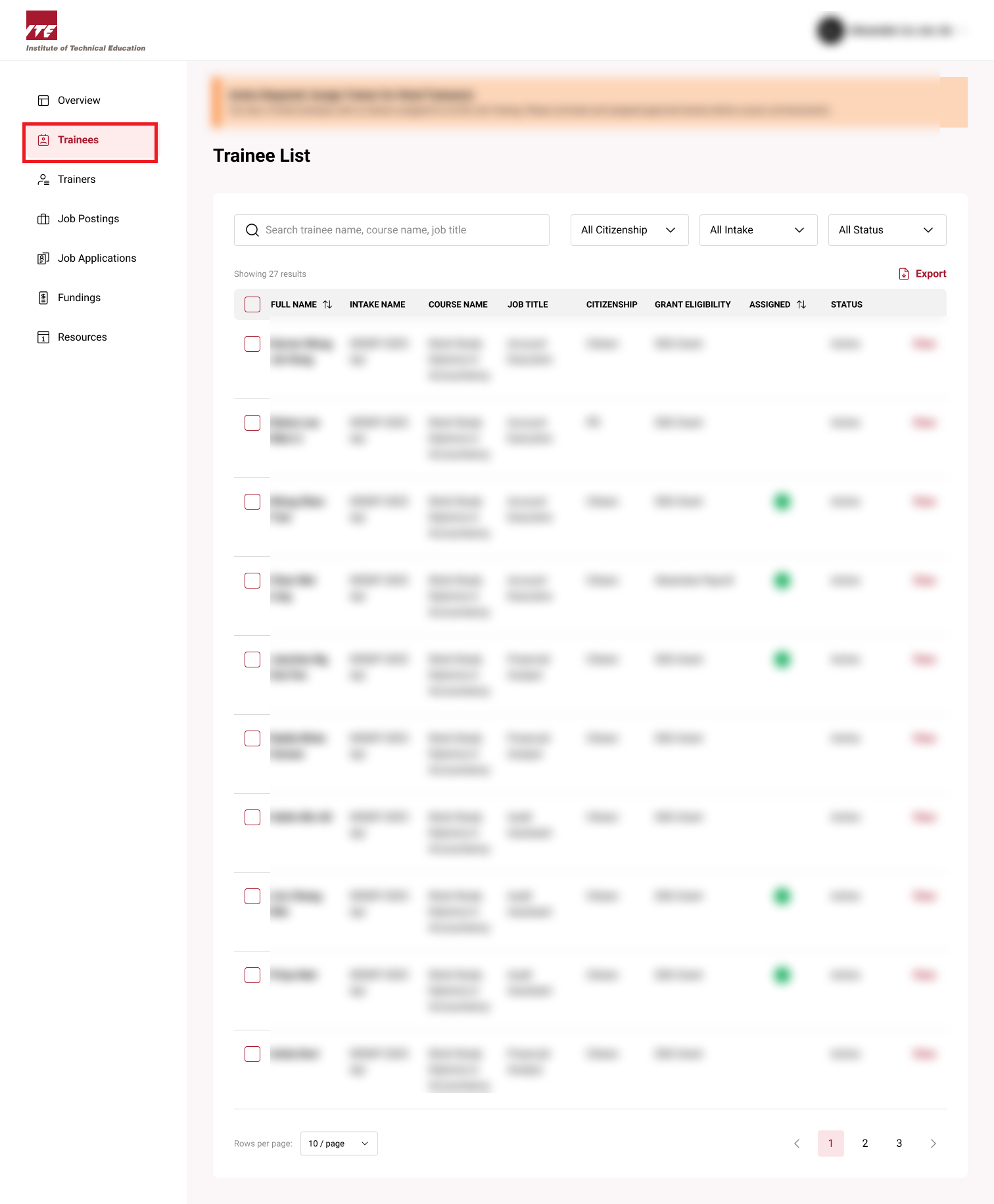
Step 1: Trainee Dashboard
Click on the Trainees to go the Trainee dashboard.
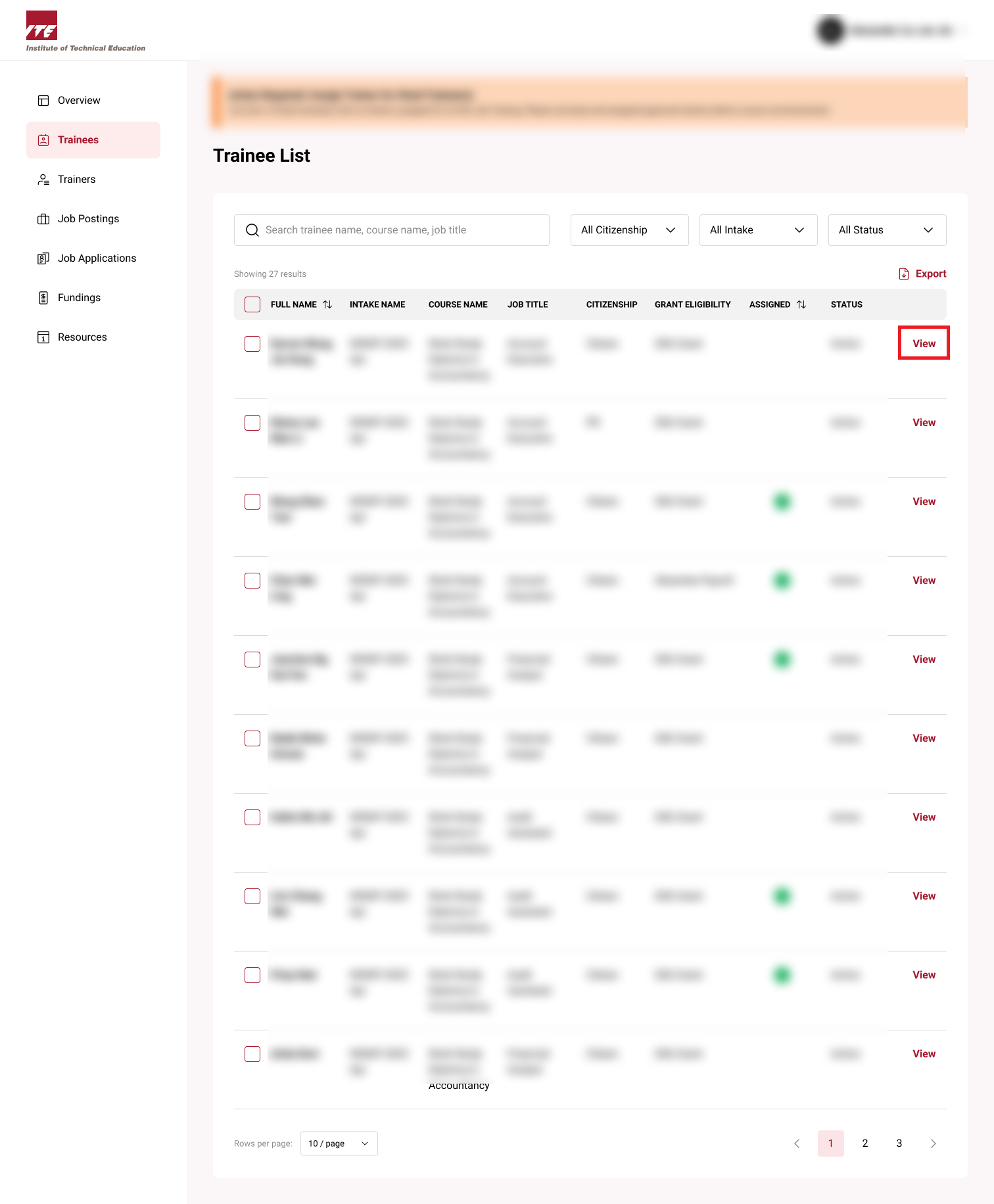
Step 2: View Trainee
Click on View next to the trainee.
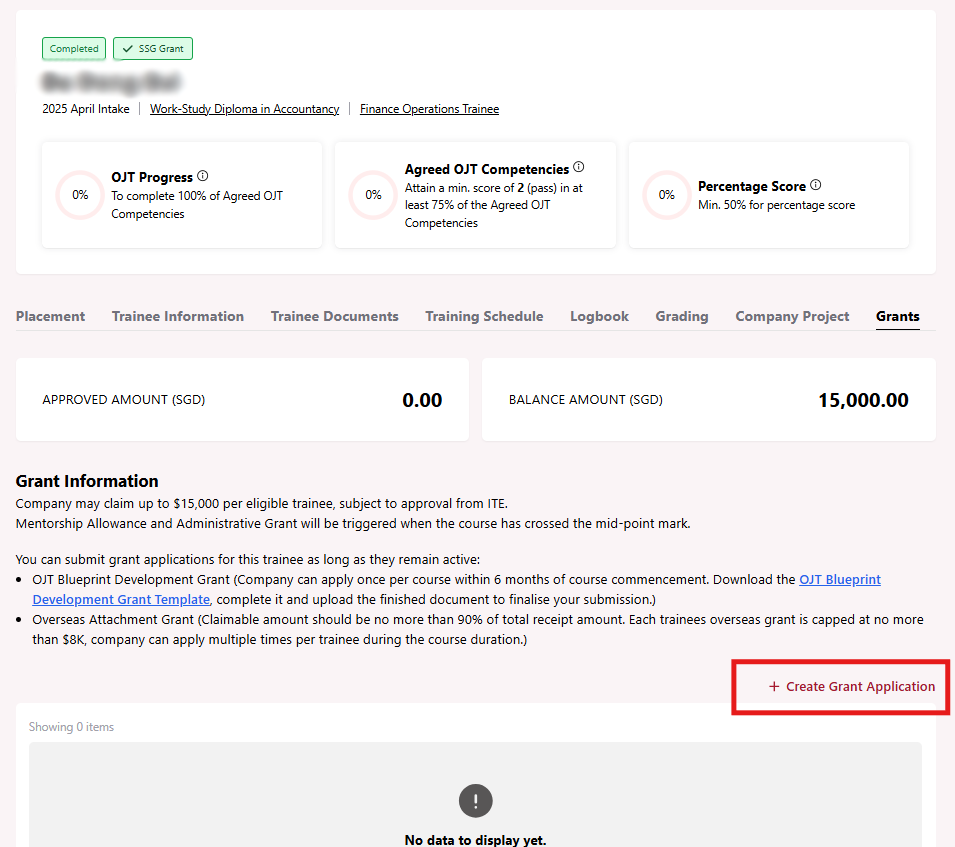
Step 3: Click Create Grant Application
Click on Create Grant Application.
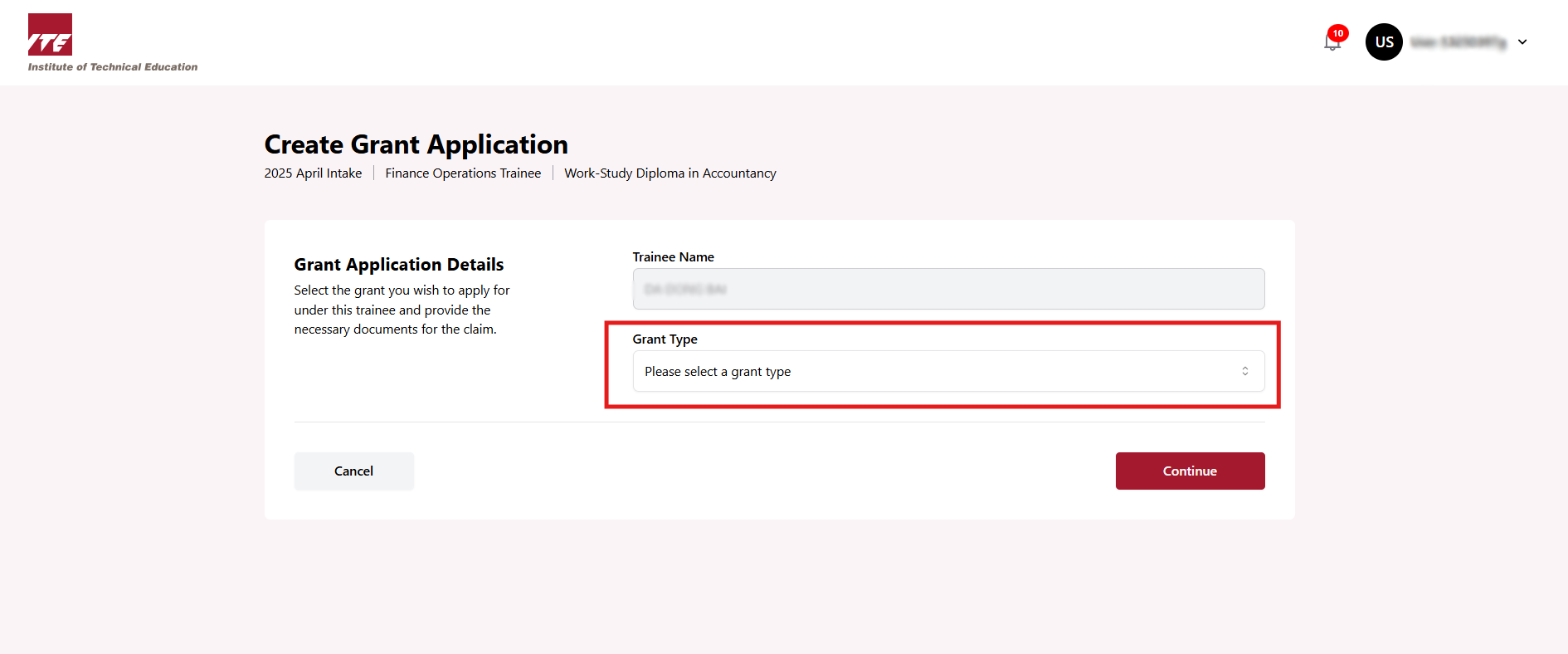
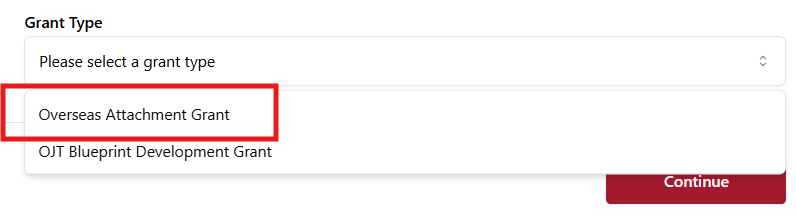
Step 4: Select Grant Type
Select Overseas Attachment Grant from the dropdown.
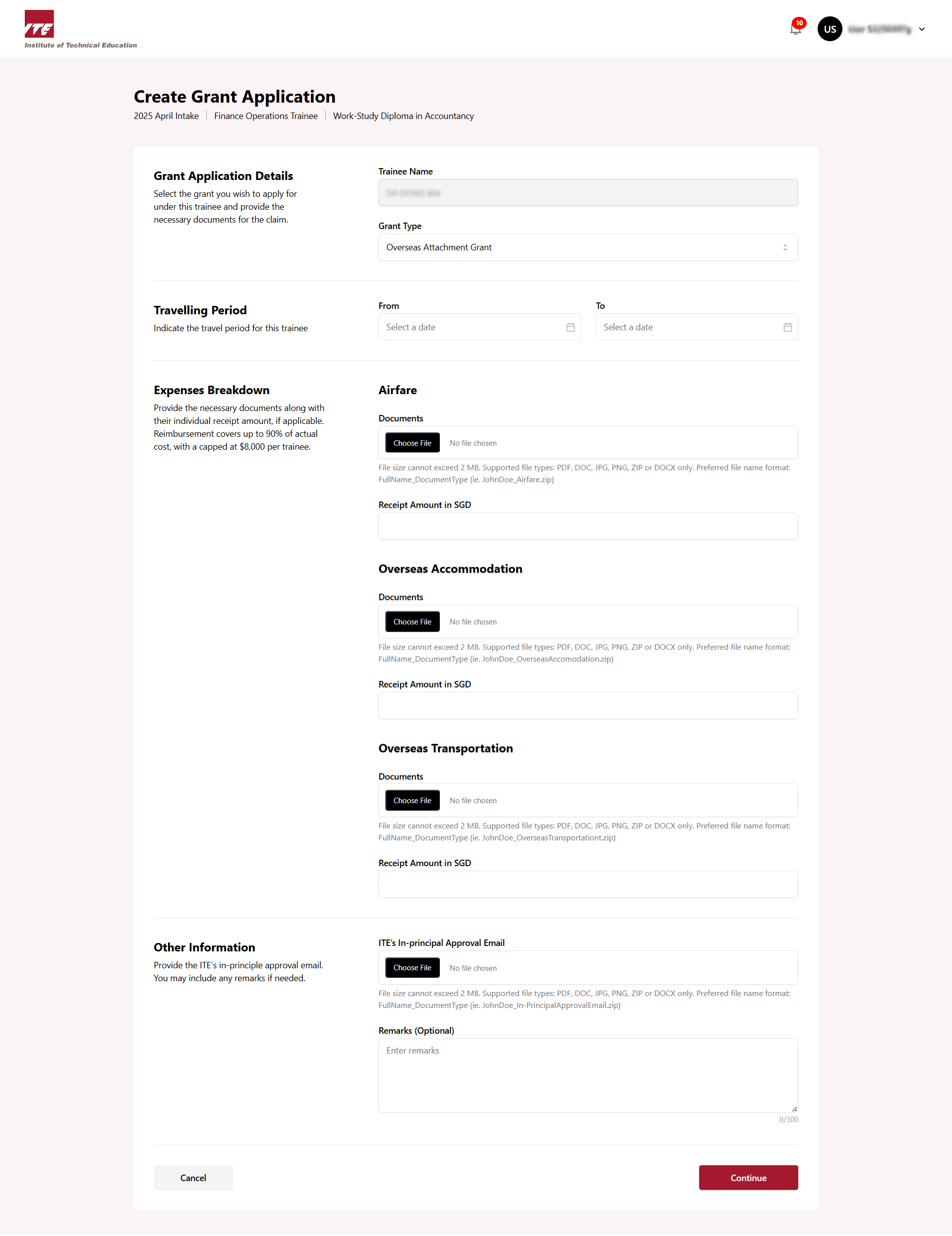
Step 5: Fill all necessary form fields
Fill in the following fields:
- Travelling Period
- Expenses Breakdown
- Upload ITE's In-Principal Approval Email
Step 6: Click Continue
Click Continue after filling all necessary form fields.
Step 7: Submit Application
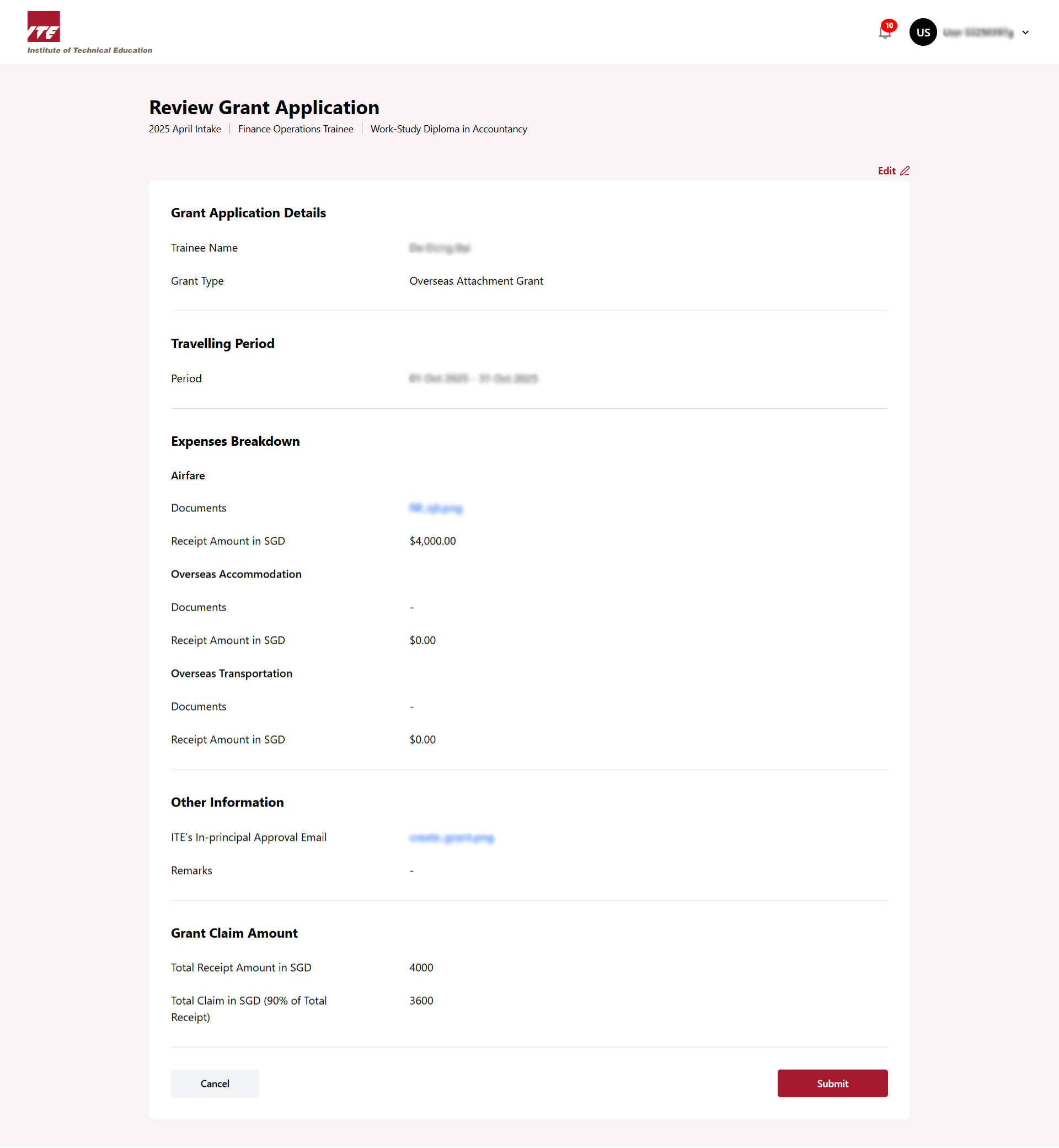
After clicking Continue, you can see all the information here.
You can click Edit if you want to change something. If not, click Submit.
Step 8: Application submitted successfully
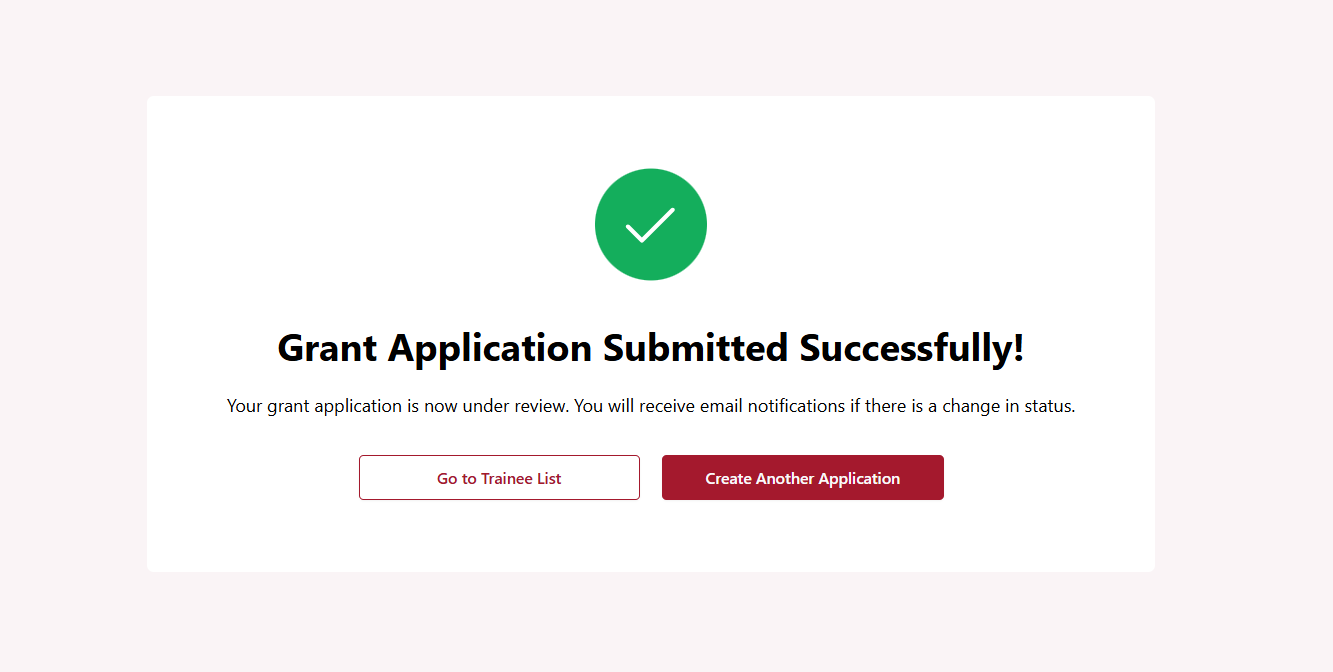
After you click Submit, your grant application will be submitted successfully for ITE approval.