Download OJT Blueprint
Download an OJT Blueprint that ITE has uploaded for your company.
Step 1: Open the OJT Blueprint Tab
-
Click the Dropdown at your Account Profile.
-
Click Account Information.
-
Click the OJT Blueprint tab.
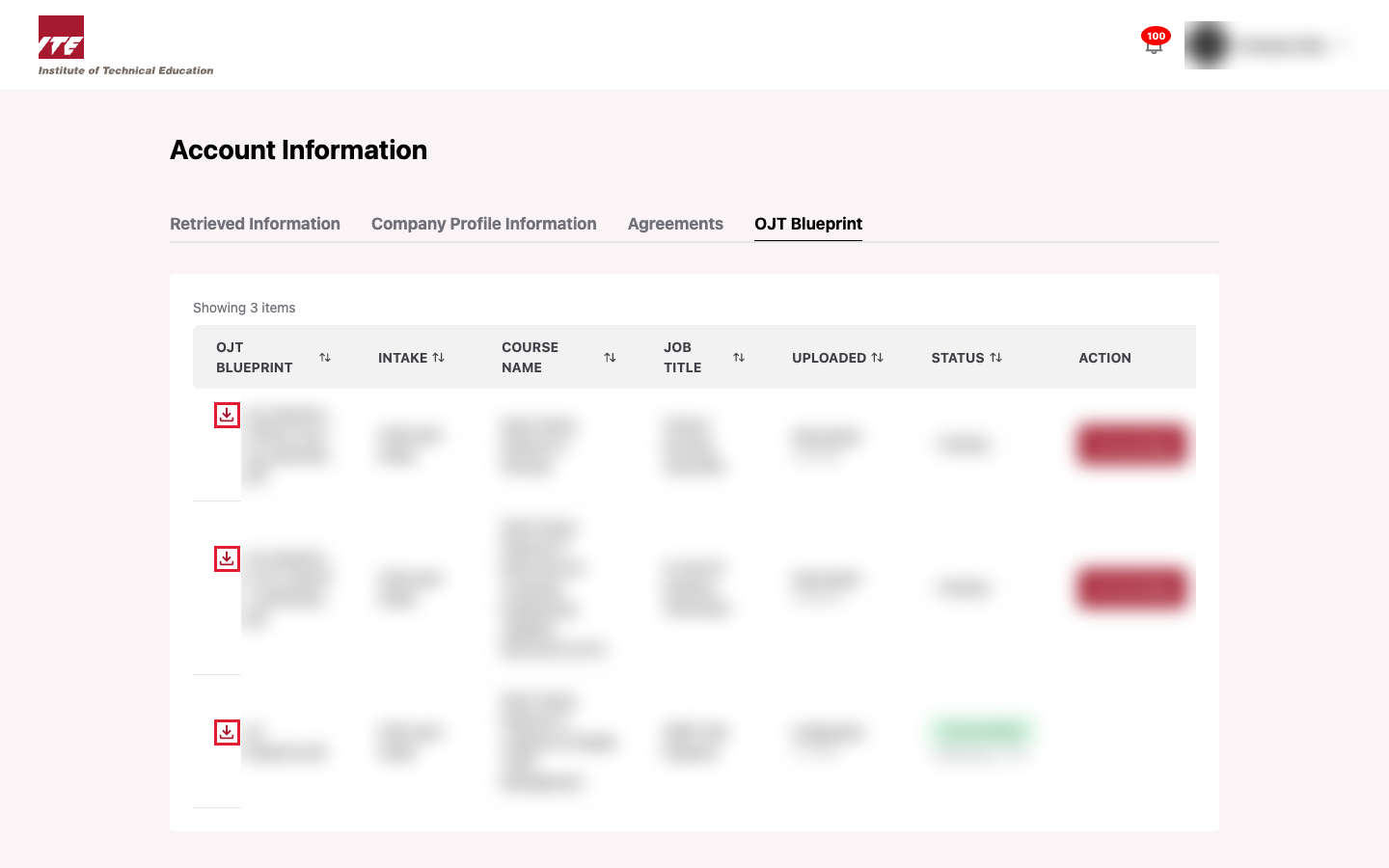
Step 2: Download
- Click the download icon beside the file name of the blueprint. The file opens or downloads.
Tips
- You can download a blueprint before or after acknowledging it.
- You can only see and download your own company's blueprints.
- A blueprint that ITE has deleted cannot be downloaded. See View Deleted OJT Blueprint.