Edit Trainer to assigned to the Trainee
You can reassign a different trainer to a hired trainee if necessary. This guide helps you through viewing a trainee and updating their trainer assignment with a reason.
Please ensure that a trainer is officially nominated and has successfully created an account in WSDC before proceeding with the assignment to a trainee.
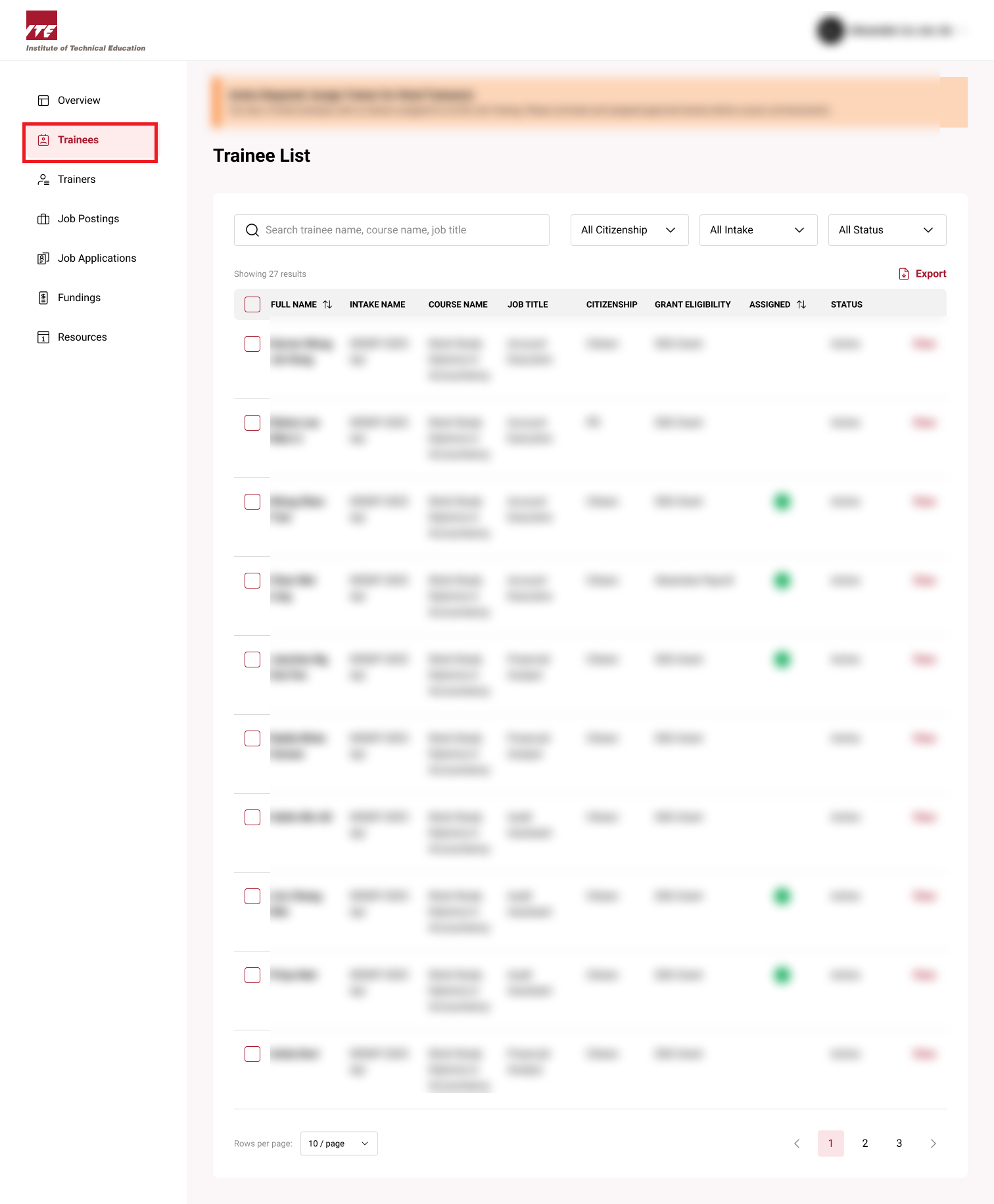
Step 1: Trainee Dashboard
Click on the Trainees to go the Trainee dashboard.
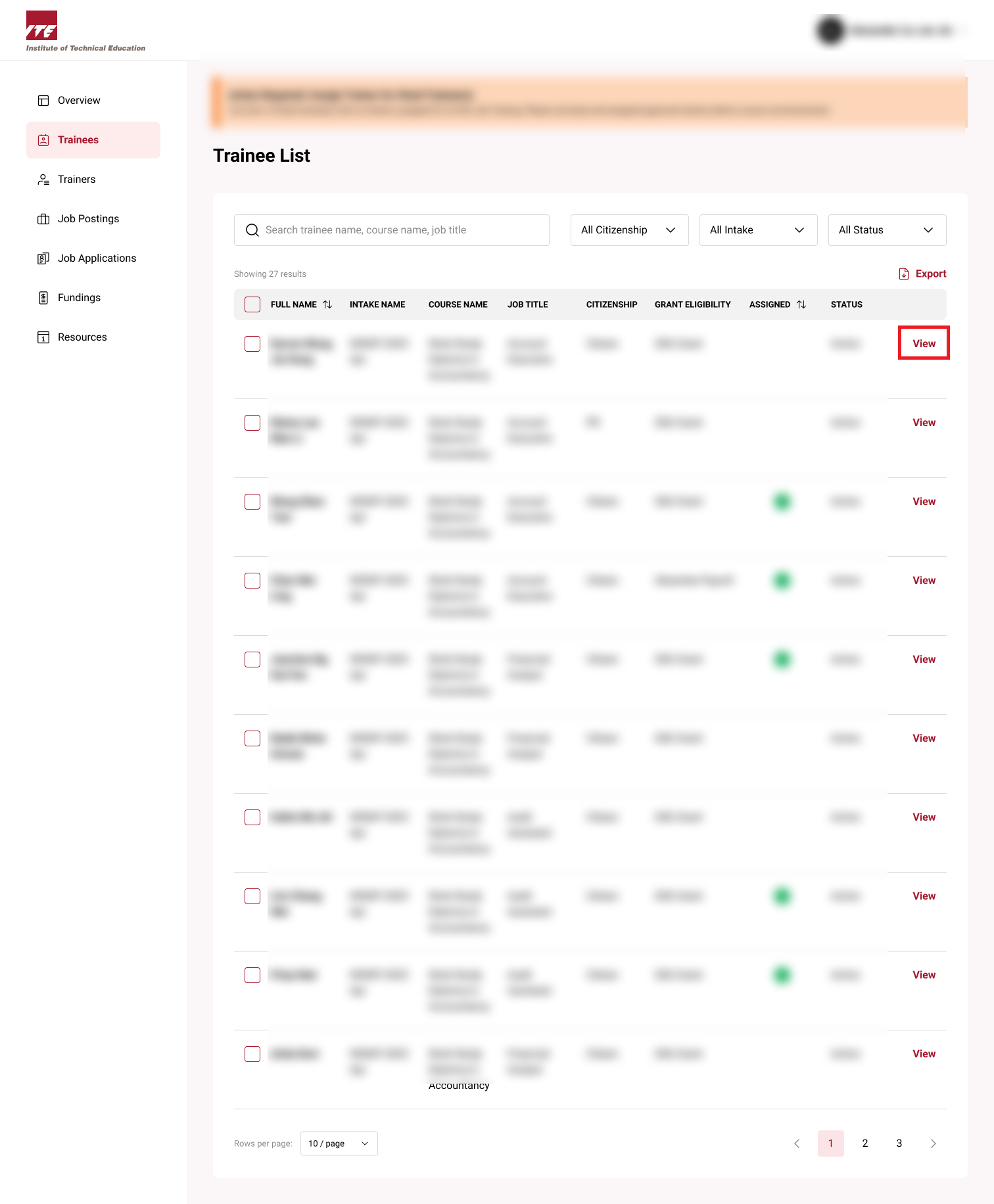
Step 2: View Trainee
Click on View next to the trainee.
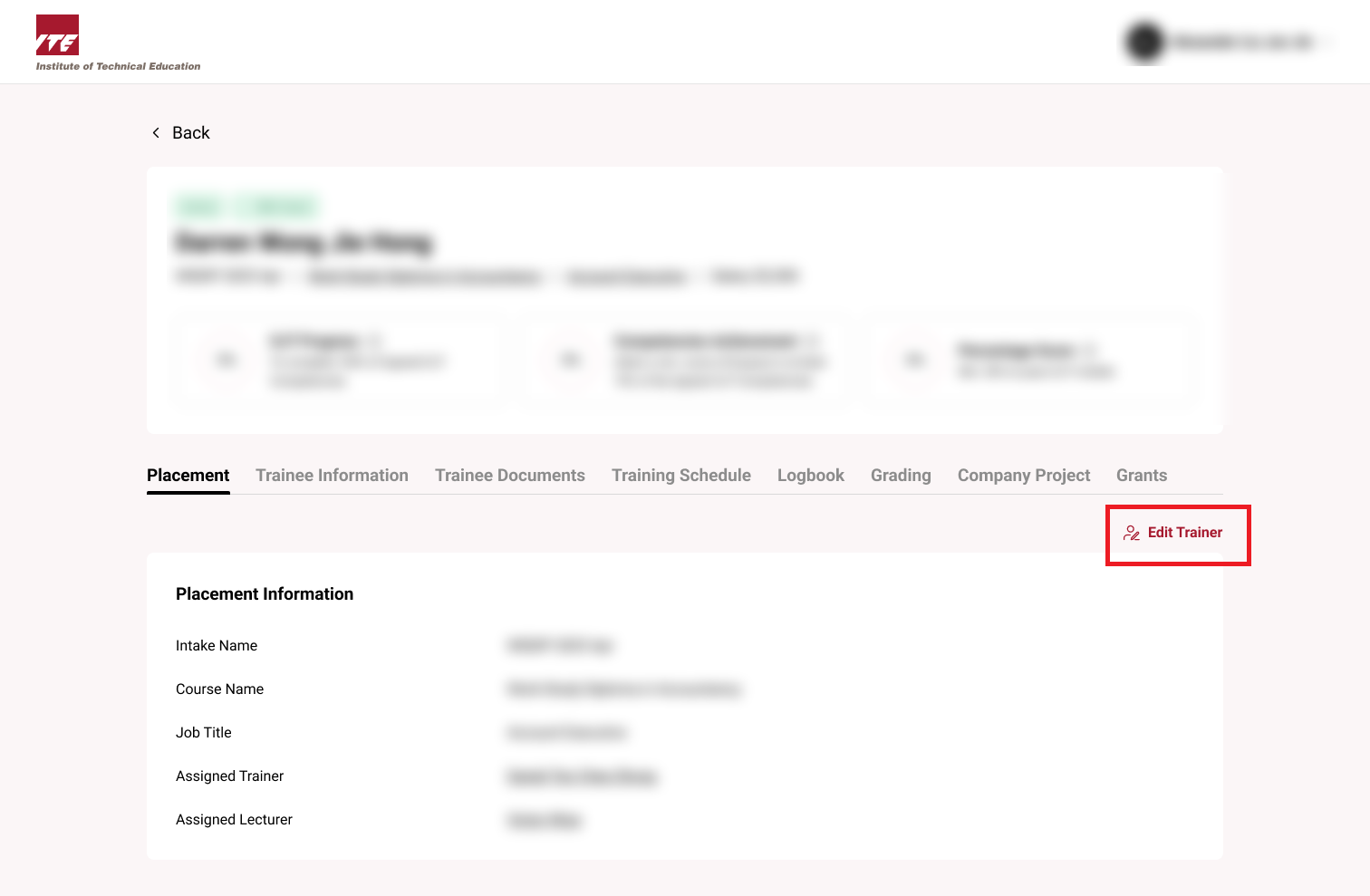
Step 3: Edit Trainer
Click on the Edit Trainer button
Step 4: Reassign Trainer
Fill out the popup with the reassigned Trainer Name and Reason
Tips
- Provide a valid reason for trainer reassignment.
- ⚠️ Ensure trainer name is entered accurately.
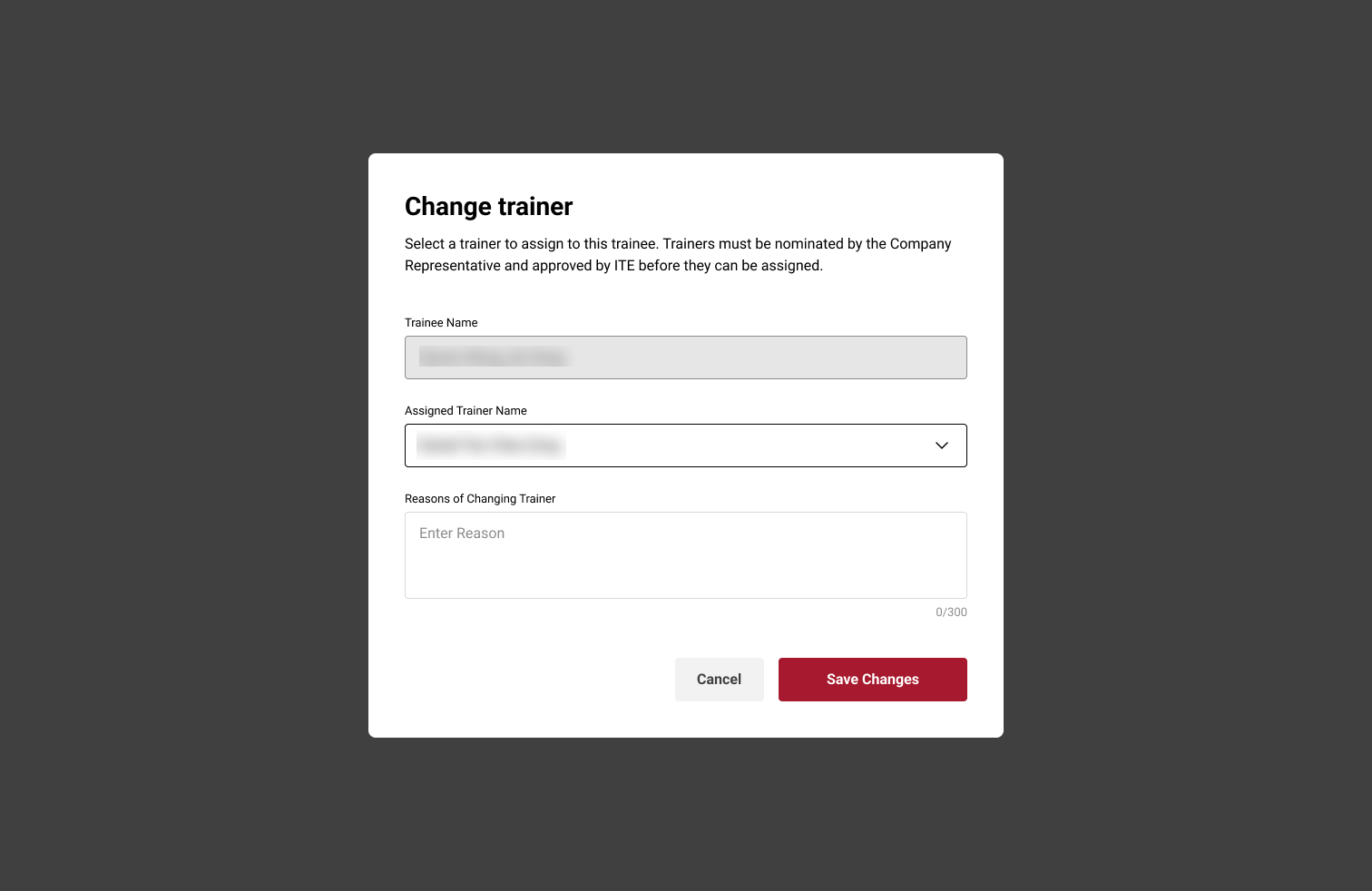
Step 5:
Click Save Changes
Trainer Assigned would be updated