View Newly Transferred or Assigned Trainee
View the details of a trainee who has been newly transferred or assigned to your company.
This action can only be performed by Company Rep
Step 1: Trainee Dashboard
-
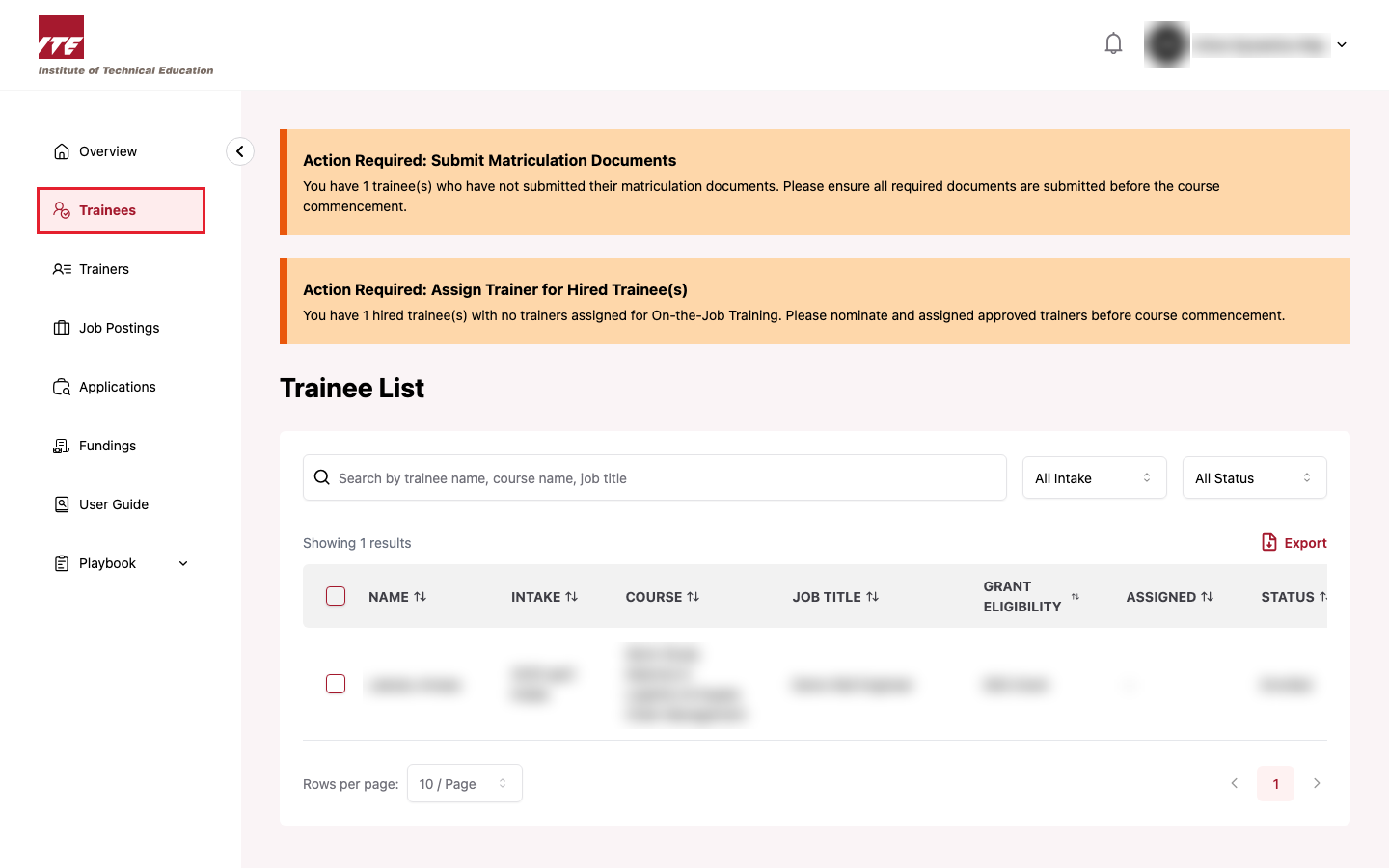
Navigate to the left side panel and click on "Trainees".
Step 2: Find the Trainee
-
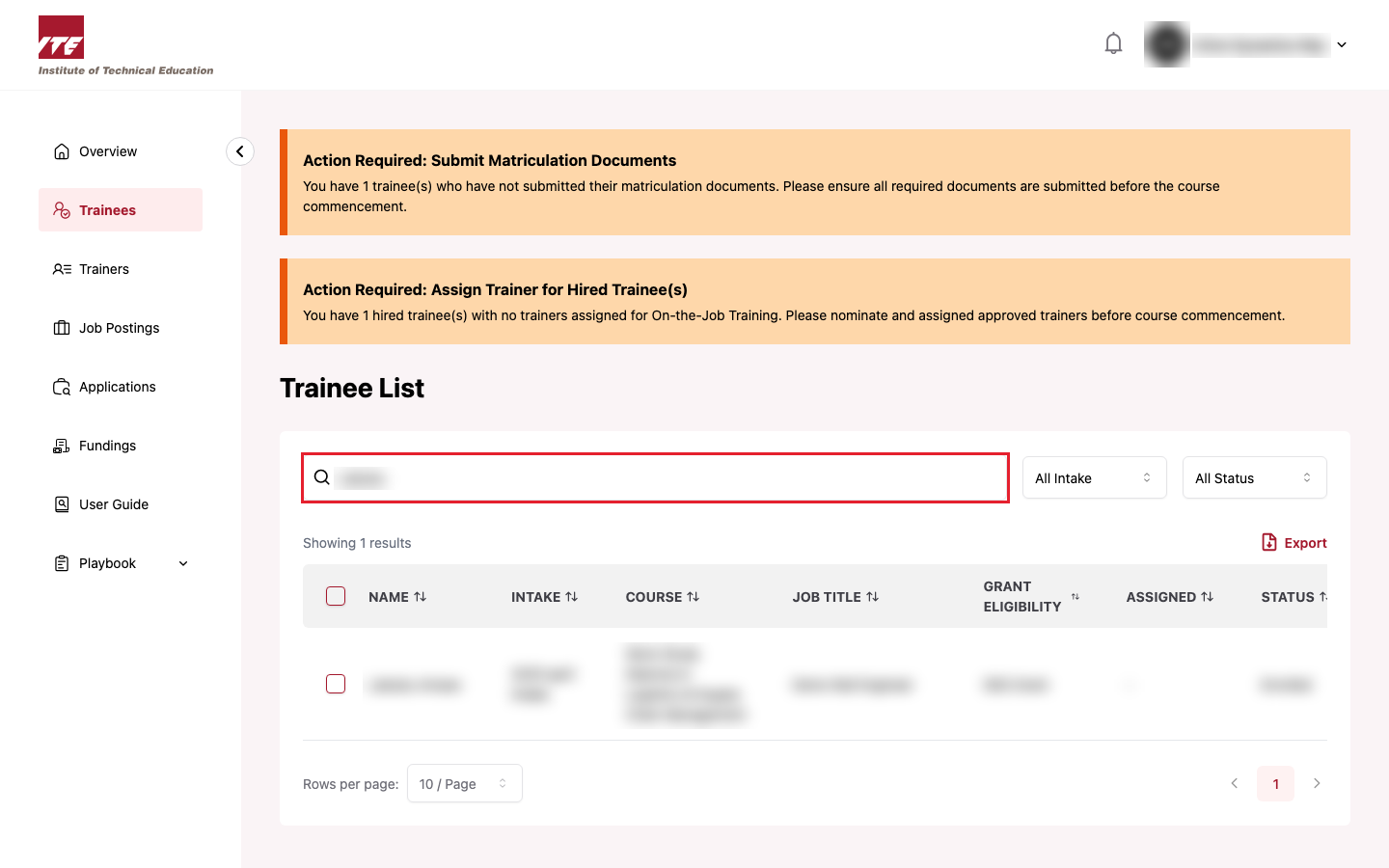
Look for the newly transferred or assigned trainee in the list, or use the search bar to find the trainee by name.
Step 3: View Trainee Details
-
Click the action toolbar icon for the trainee and select "View".
-
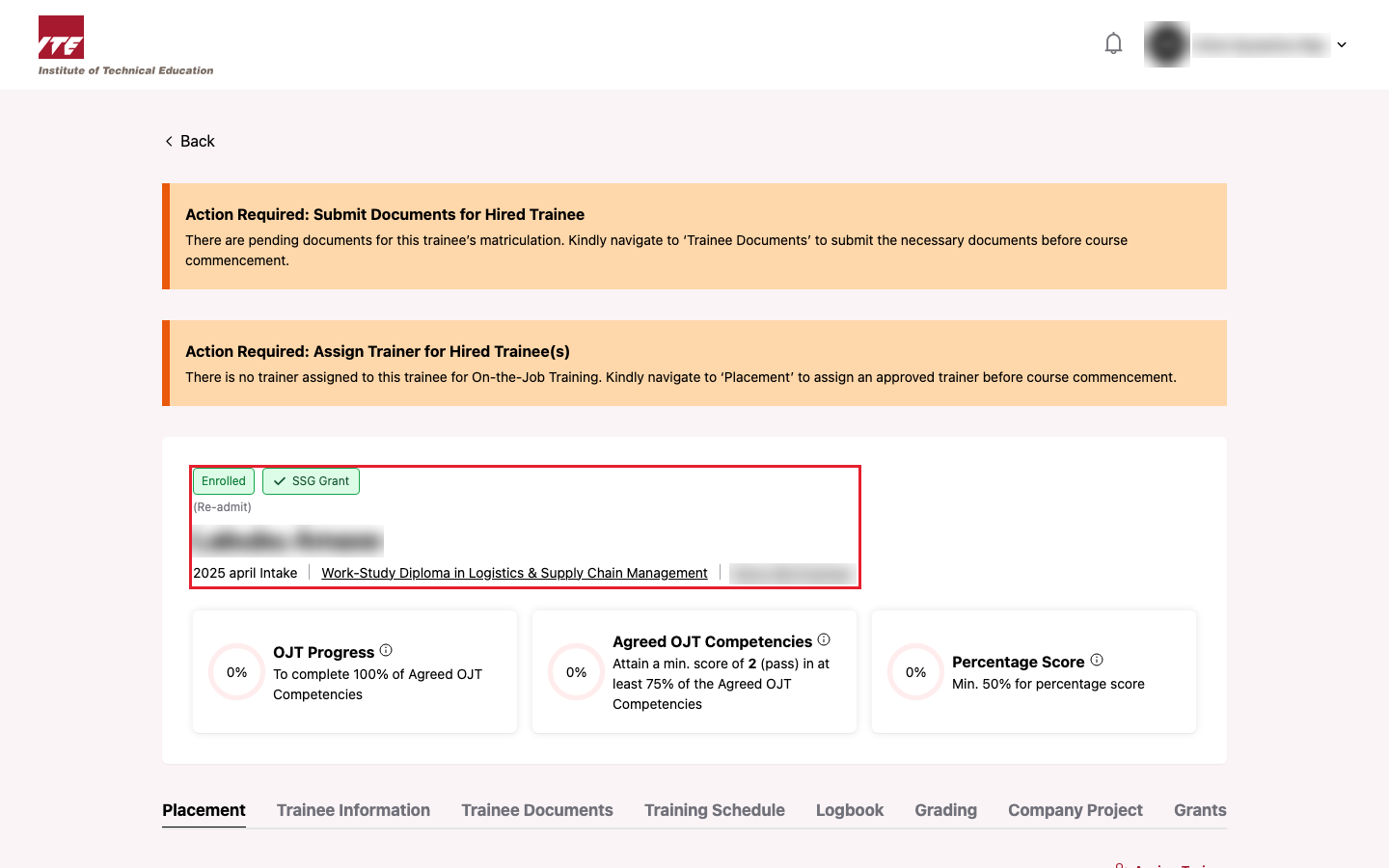
You will be directed to the trainee detail page showing the trainee's personal, course and placement details.
Tips
- New trainees appear in the list once IBT has transferred or assigned them to your company.
- Use the filters to narrow the list by status, intake or citizenship.