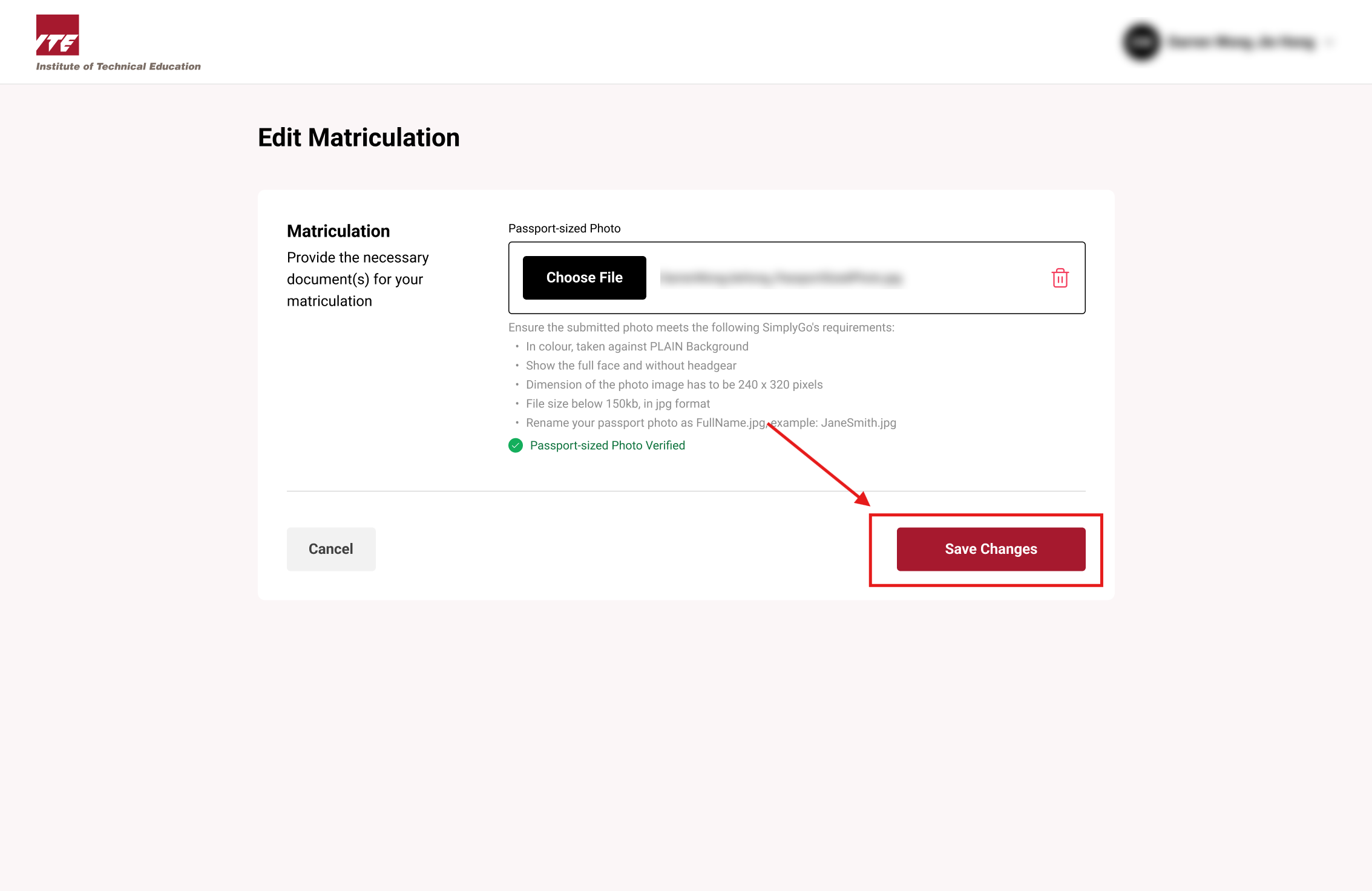
Edit Matriculation
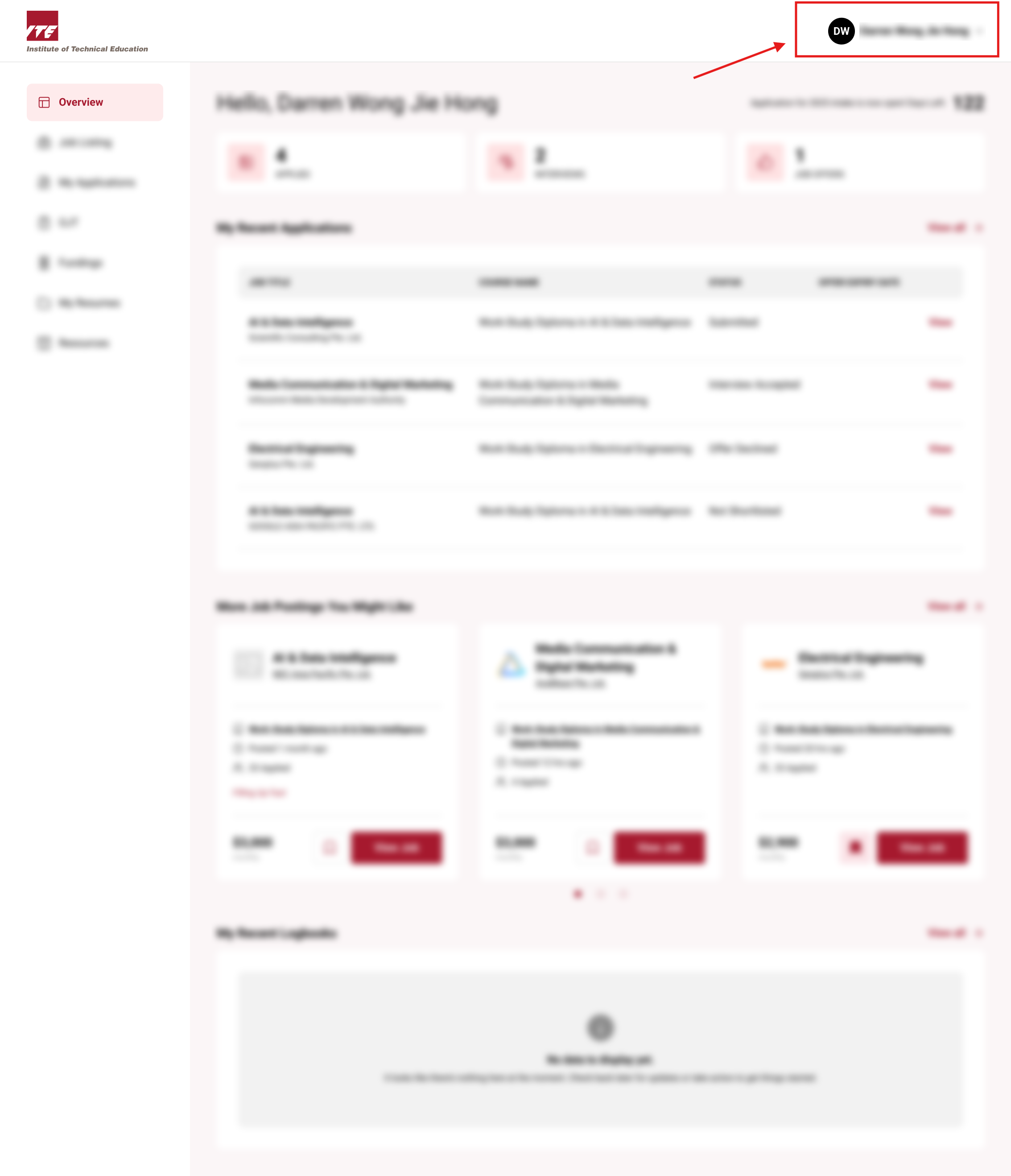
Step 1. Locate Account Information Button
Click on the Navbar user icon to open the drop down menu
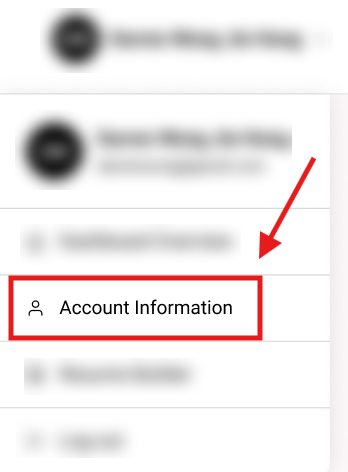
Step 2. Click on the Account Information button
Click on the "Account Information" button
You will be routed to Account Information page
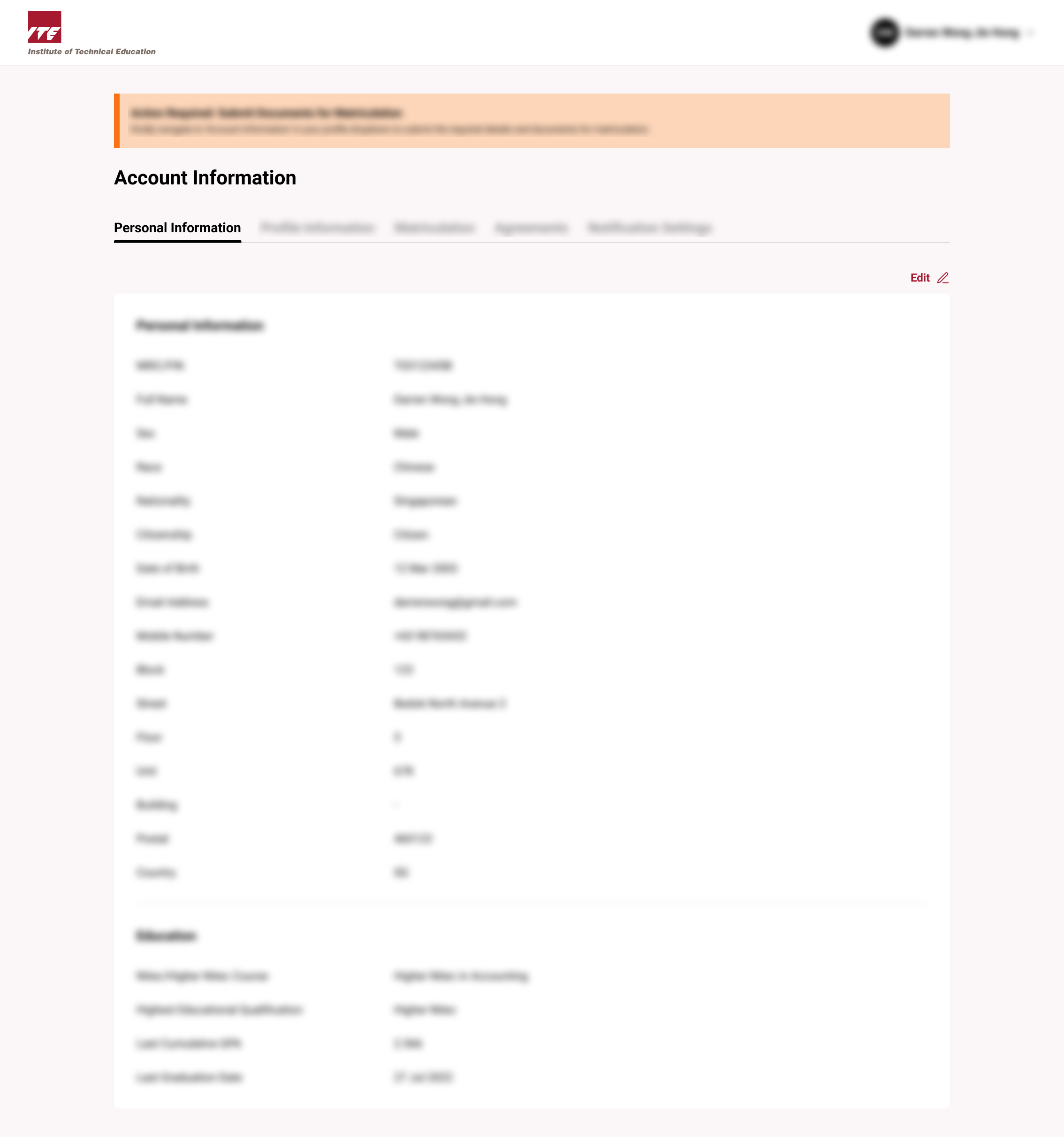
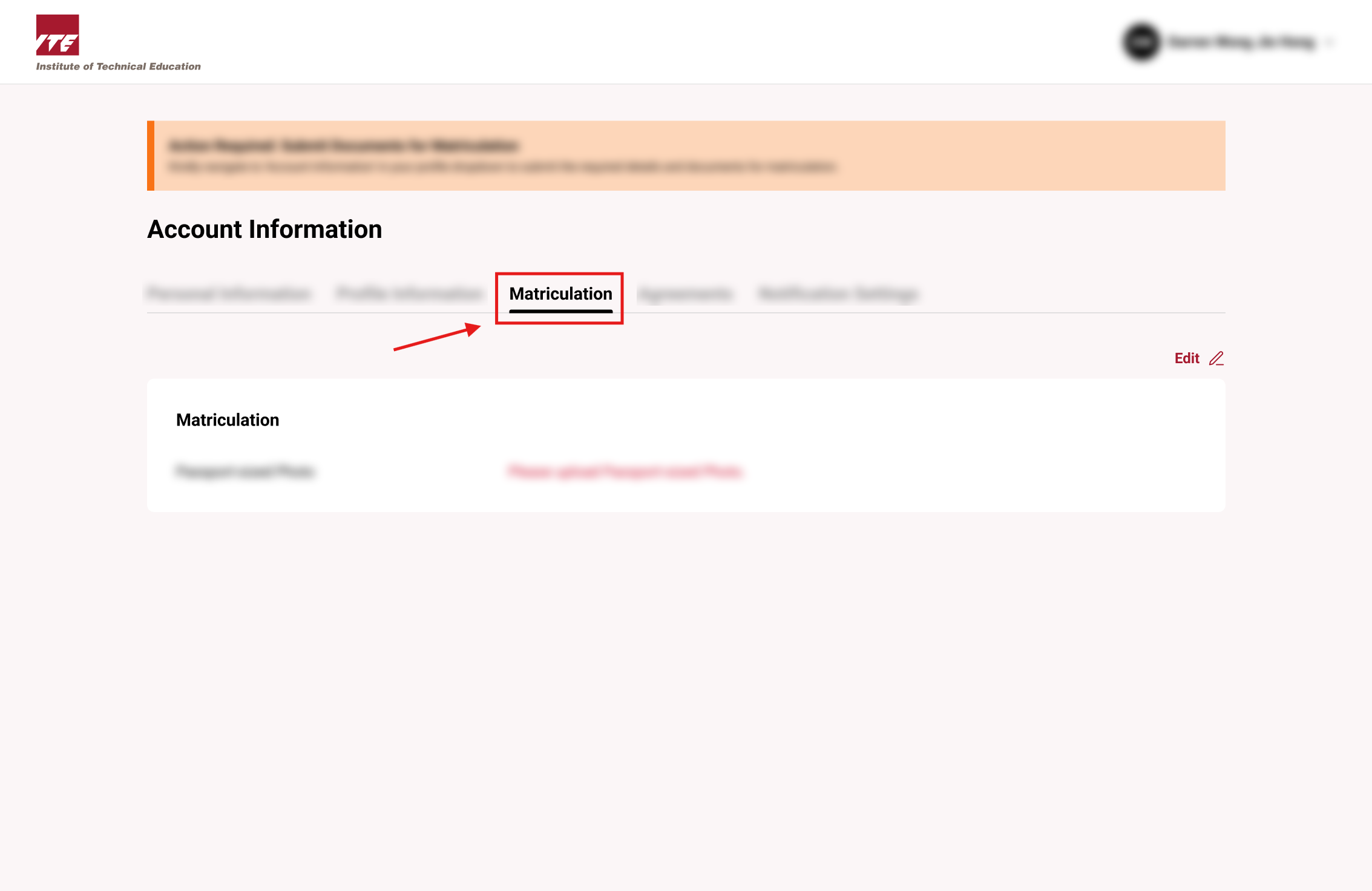
Step 3. Click on the Matriculation Tab
Click on the "Matriculation" Tab
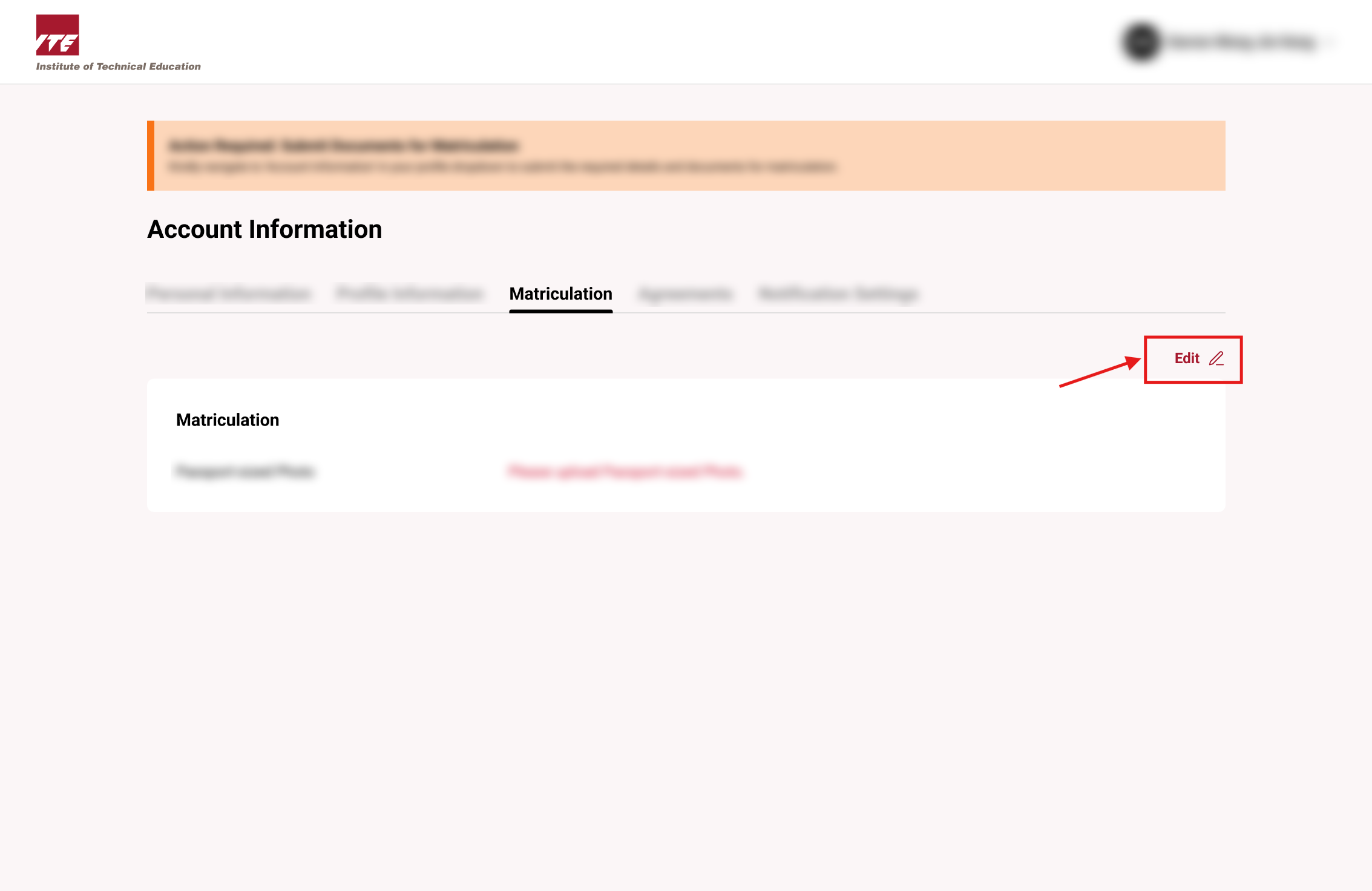
Step 4. Click on the Edit Link
Click on the "Edit" Link
Step 5. Make Changes and Save
After making changes to the form, click on the "Save Changes" Button.
Tips
- Verify all information is accurate before clicking "Save Changes" as corrections may require additional processing time.
- Keep matriculation details consistent with official enrollment records to avoid discrepancies.
- ⚠️ Changes to matriculation information may affect course enrollment status — confirm eligibility requirements are still met.