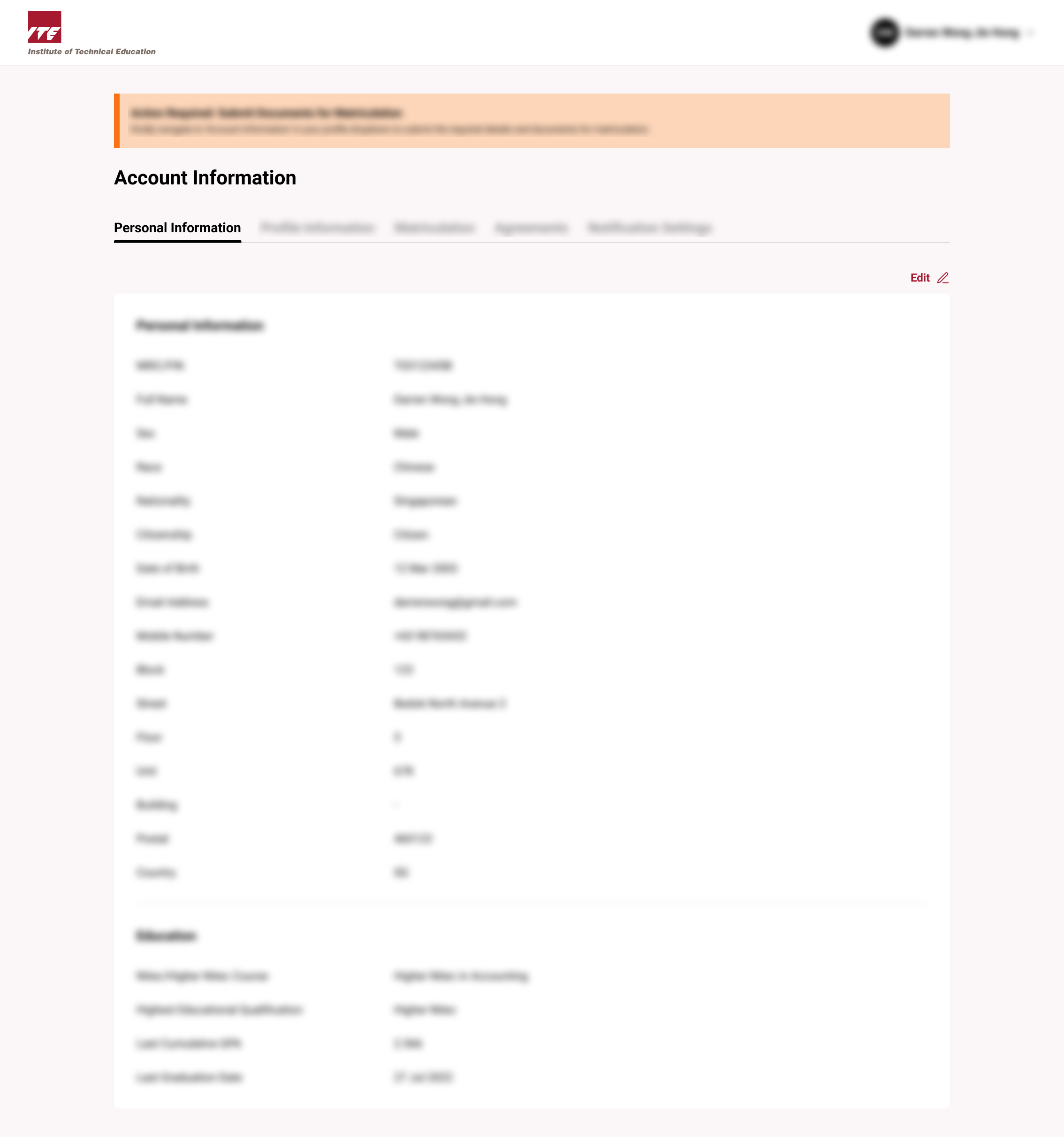
View Personal Information
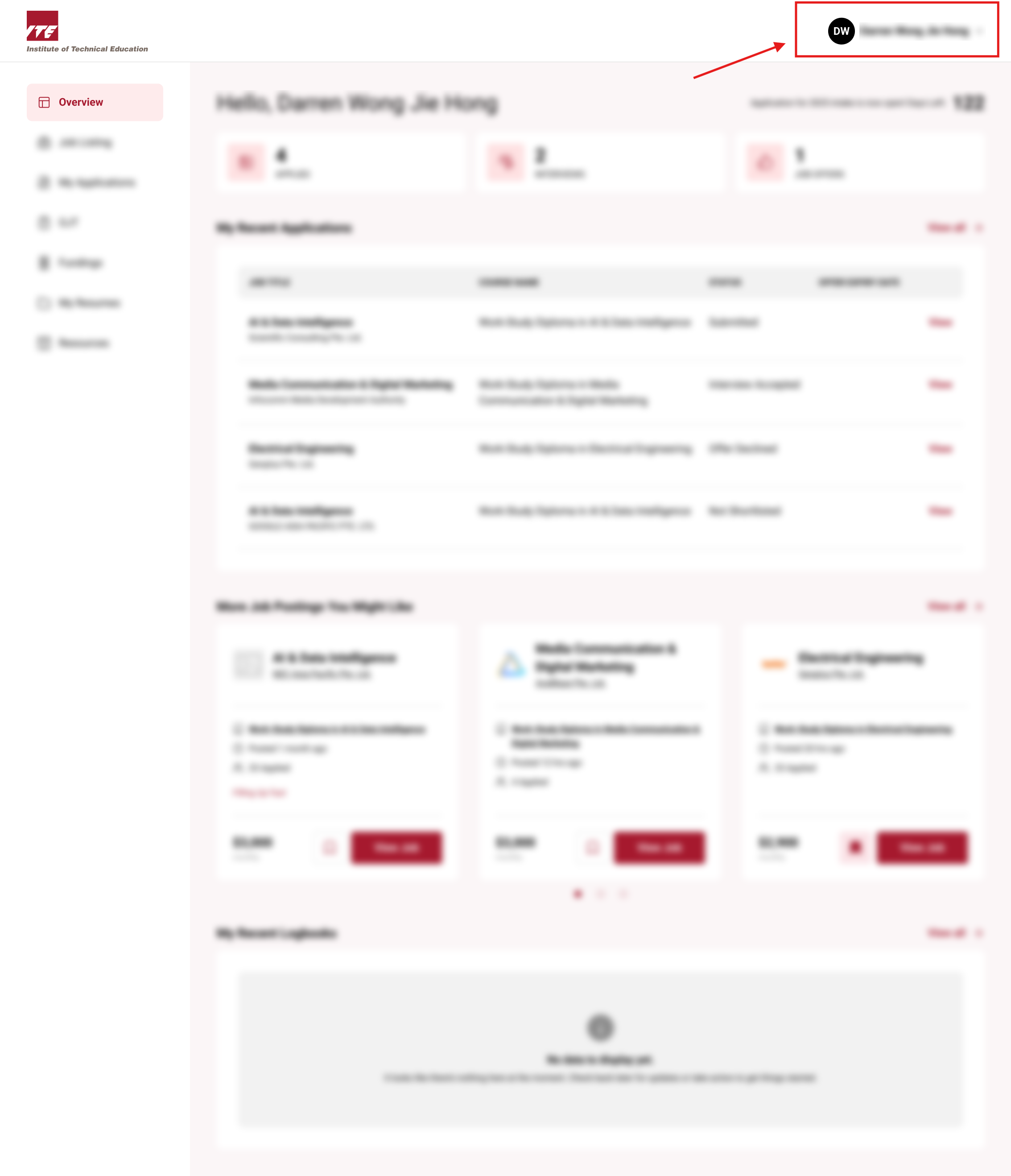
Step 1. Locate Account Information Button
Click on the Navbar user icon to open the drop down menu
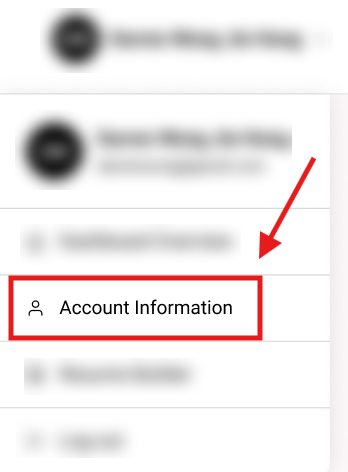
Step 2. Click on the Account Information button
Click on the "Account Information" button
You will be routed to Account Information
Tips
- Review personal information regularly to ensure all details remain current and accurate for official records.
- Verify contact information is up-to-date to receive important communications about course schedules and updates.