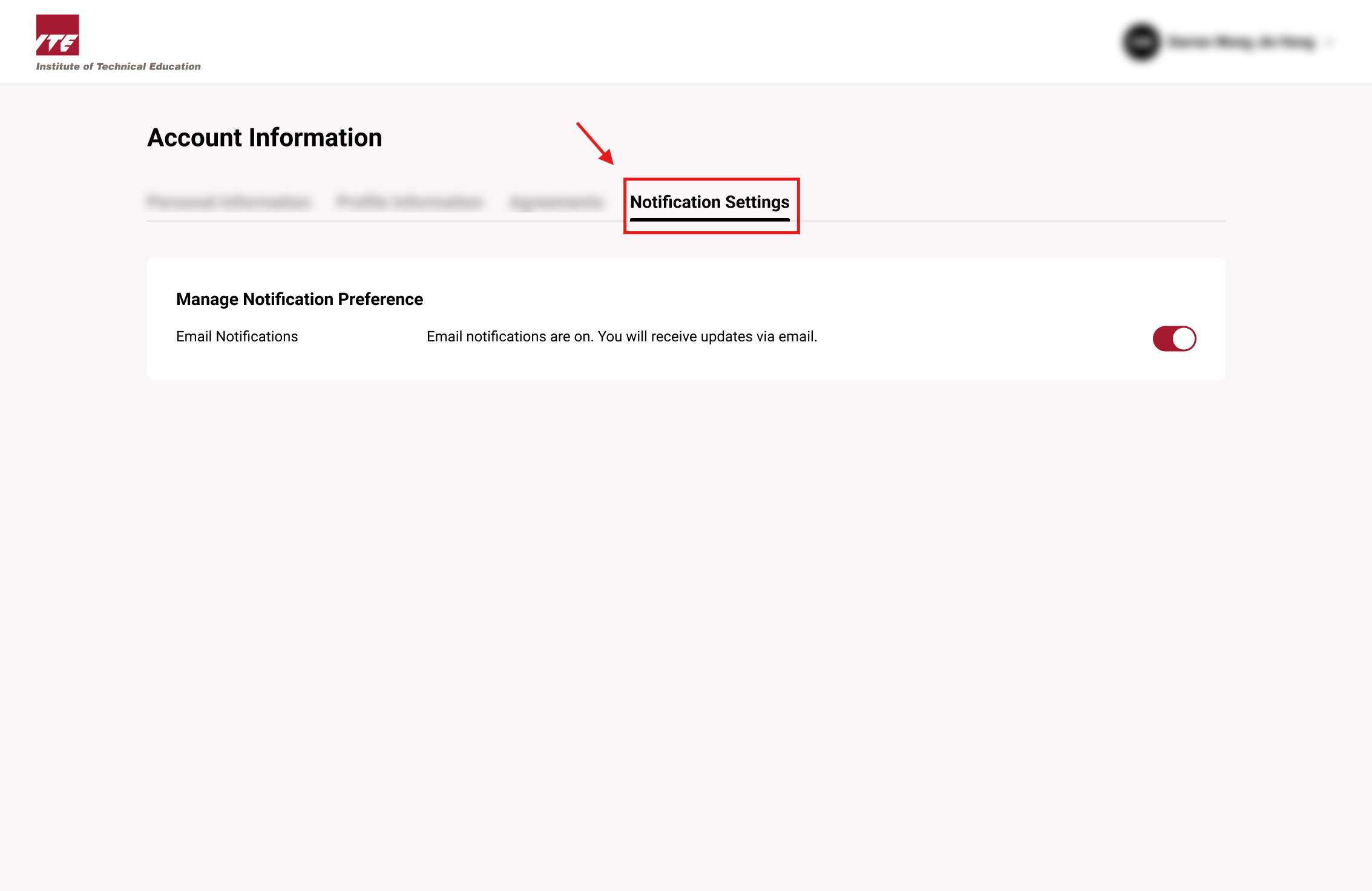
View Notification
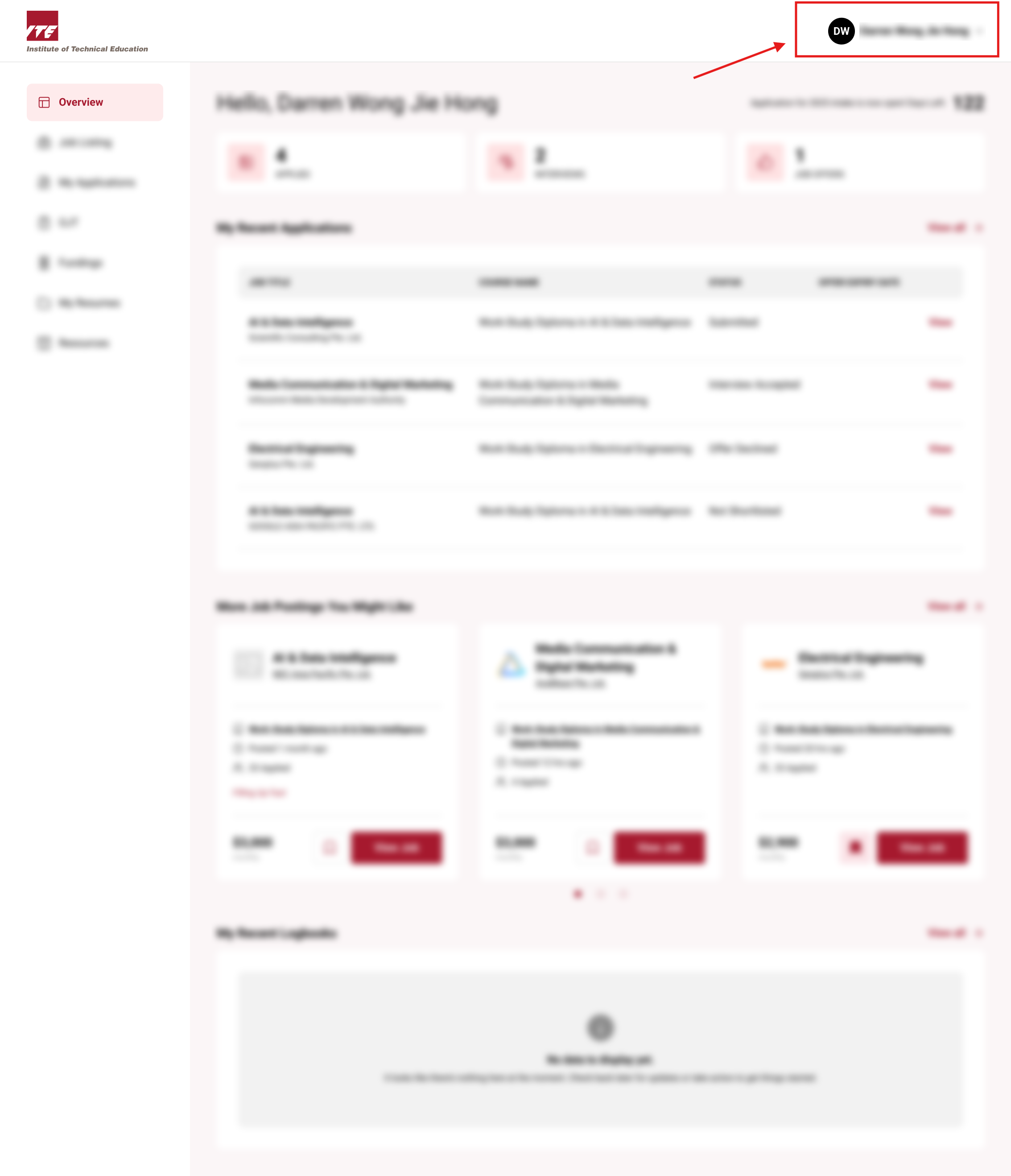
Step 1. Locate Account Information Button
Click on the Navbar user icon to open the drop down menu
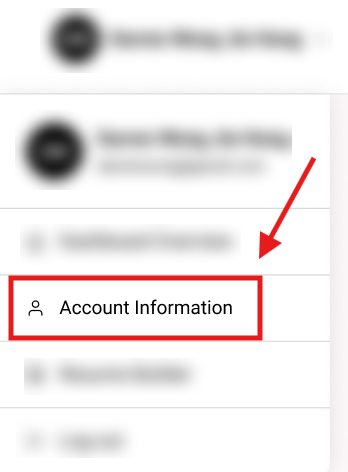
Step 2. Click on the Account Information button
Click on the "Account Information" button
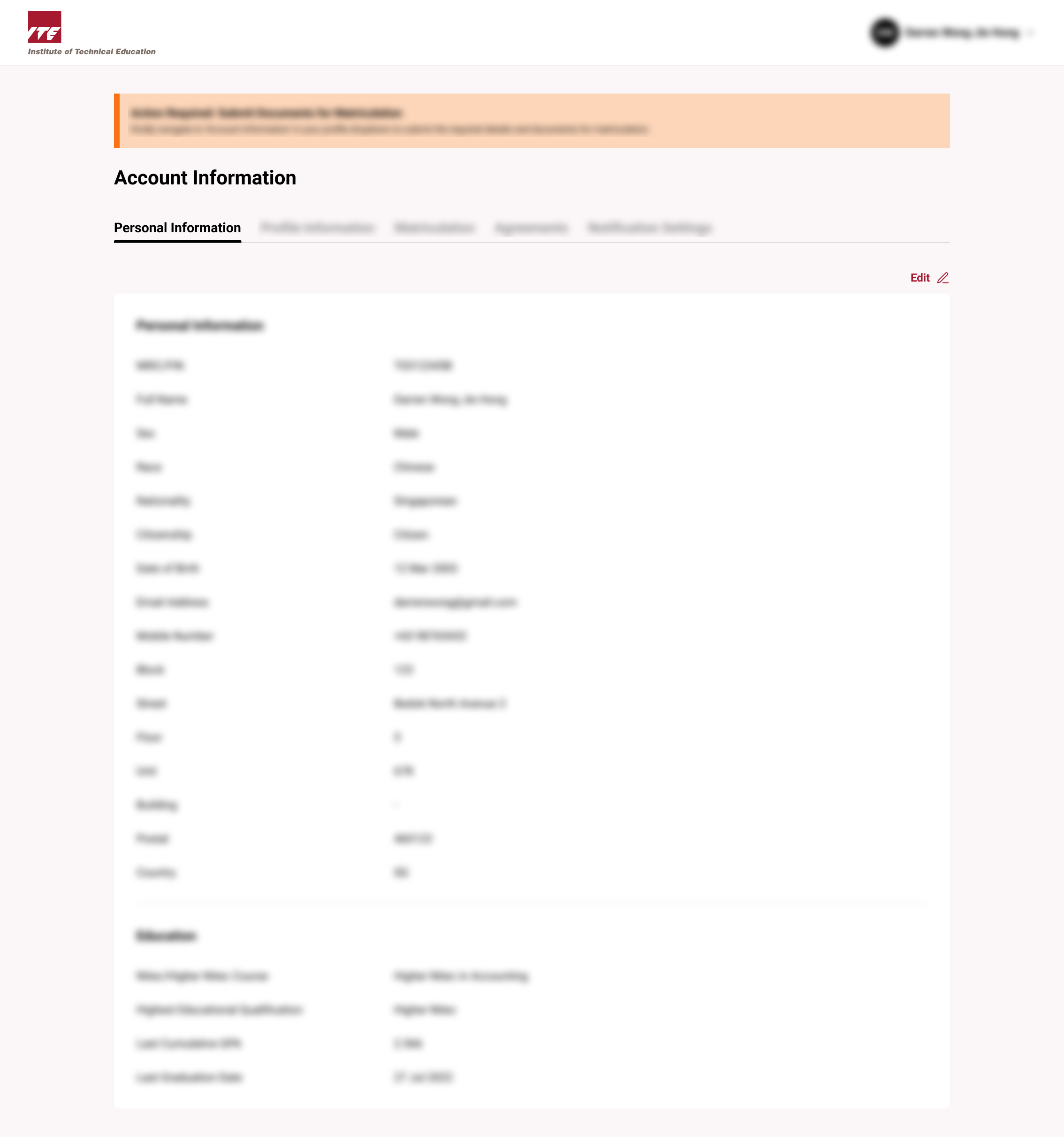
You will be routed to Account Information
Step 3. Click on the Notification Setting Tab
Click on the "Notification Setting" Tab
Tips
- Review notification settings periodically to ensure preferred communication channels are active and up-to-date.
- Consider enabling notifications for critical updates such as assignment deadlines, course announcements, and system maintenance.