Close Job Post
Closing a job post gives you two ways to stop it from accepting new applications: pause it temporarily with No Longer Accepting Applications, or finalize it with Hiring Completed once recruitment is done.
Note: You can only close Published Job Posts.
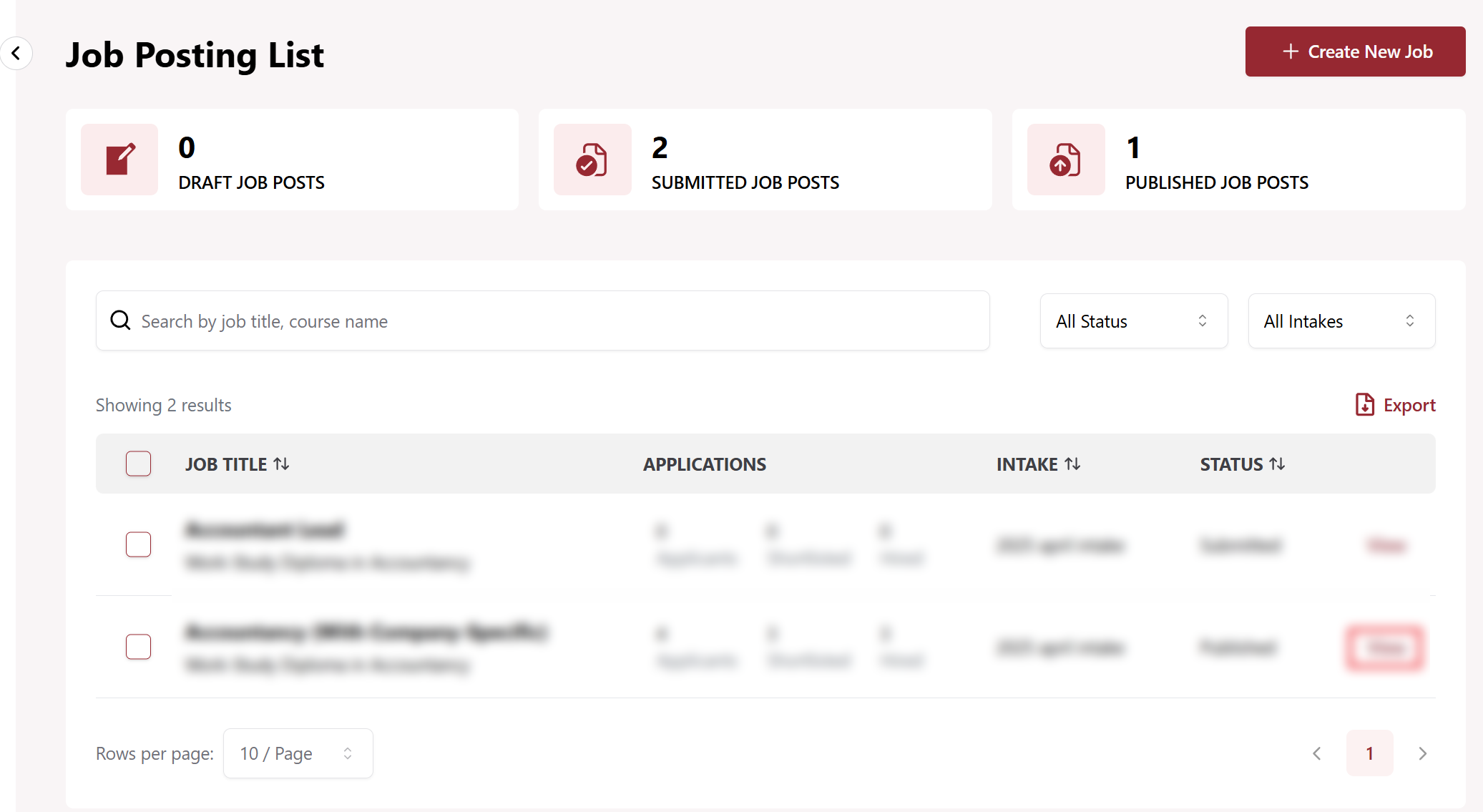
Step 1: View Job Post
Click on the View next to job post to close.
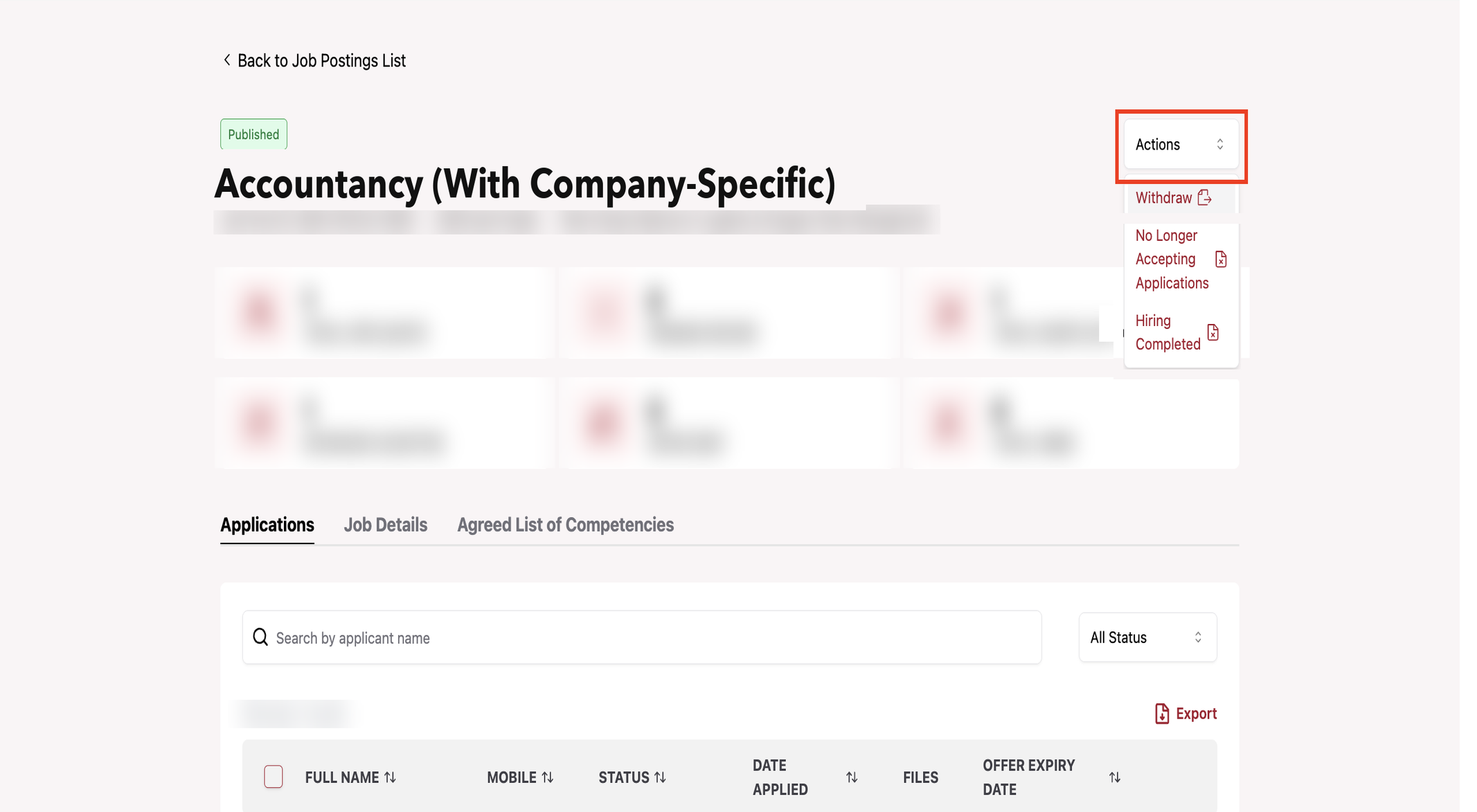
Step 2: Actions dropdown
Click on the Actions Dropdown.
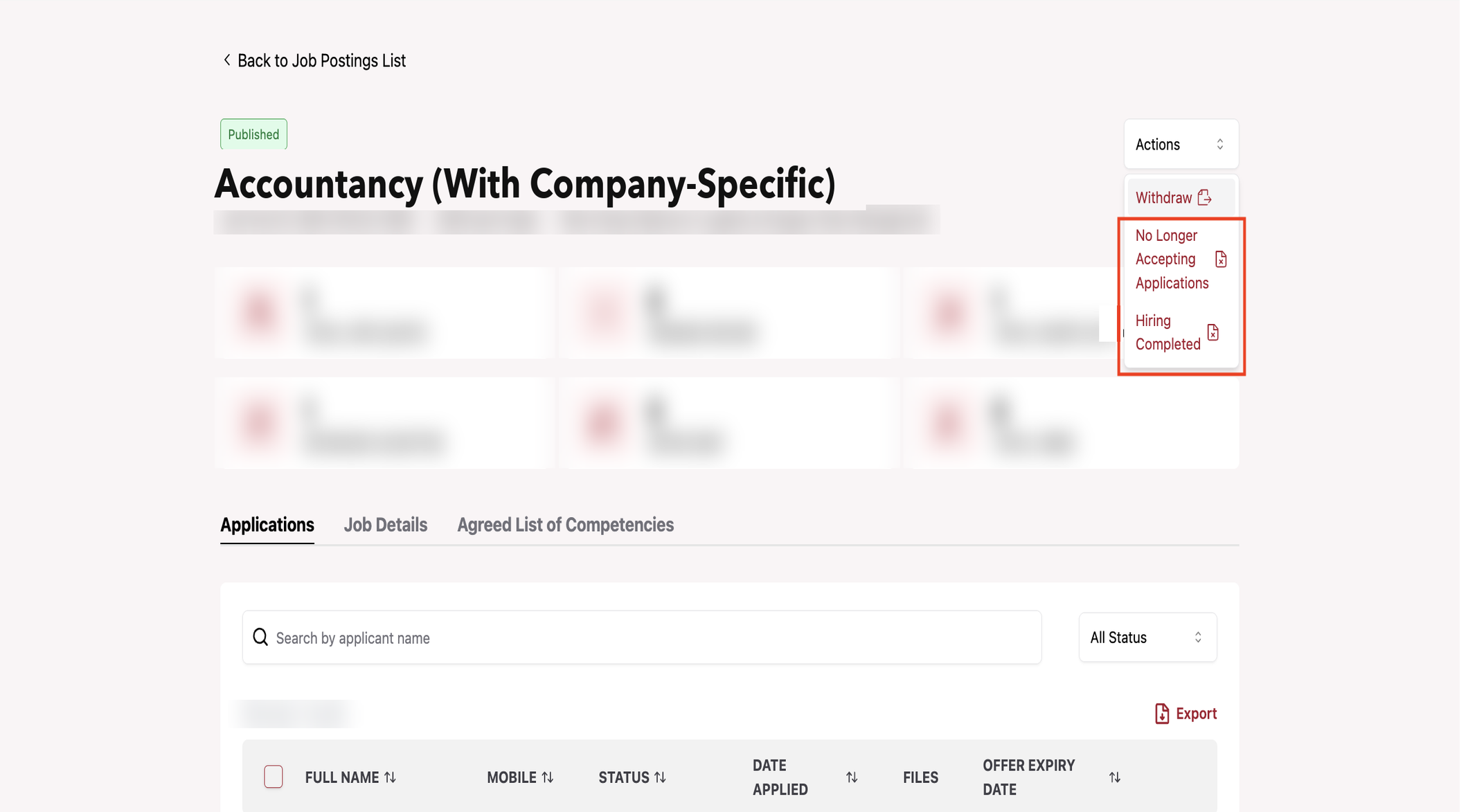
Step 3: Choose a closure option
Click No Longer Accepting Applications or Hiring Completed in the dropdown, depending on your intent.
Tips
- Use No Longer Accepting Applications to pause new applications while you continue processing existing ones (interview, shortlist, offer, or reject)
- Use Hiring Completed once all hiring decisions are finalized and the role is filled
- Review all pending applications before choosing either option to avoid missing qualified candidates
- ⚠️ Hiring Completed cannot be undone — confirm all hiring decisions are finalized before selecting it
If you select No Longer Accepting Applications:
- Job Post status would be updated to No Longer Accepting Applications
- Existing applications continue to be processed (e.g. interview, shortlist, offer, or reject)
- No additional applicant are allowed to apply for the job post
If you select Hiring Completed:
- Job Post status would be updated to Hiring Completed
- Trainees that are hired stayed hired
- No additional applicant are allowed to apply for the job post