Duplicate Job Post
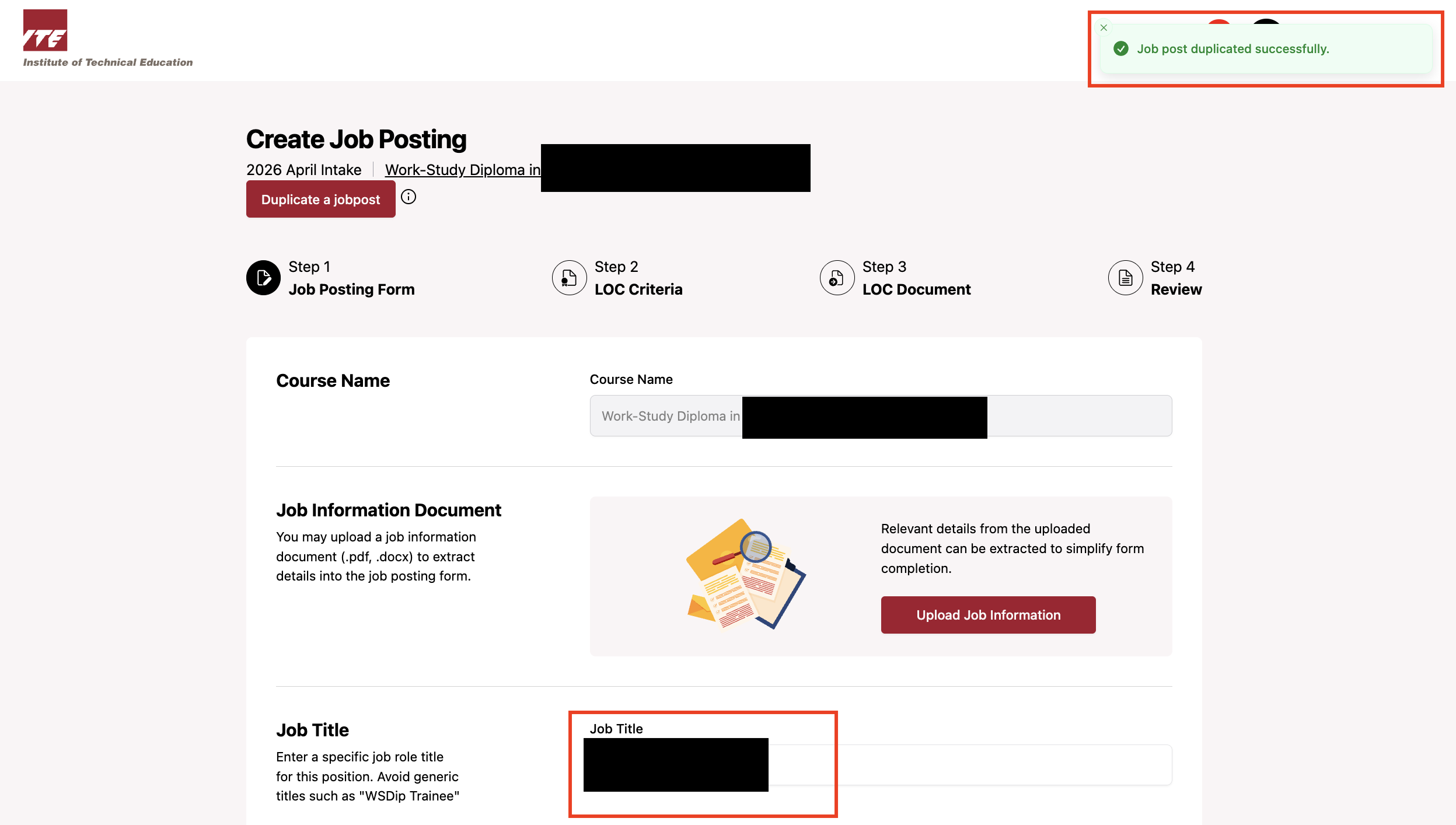
Duplicating a job post allows you to quickly create a new job post based on an existing one, without having to fill in all the details from scratch.
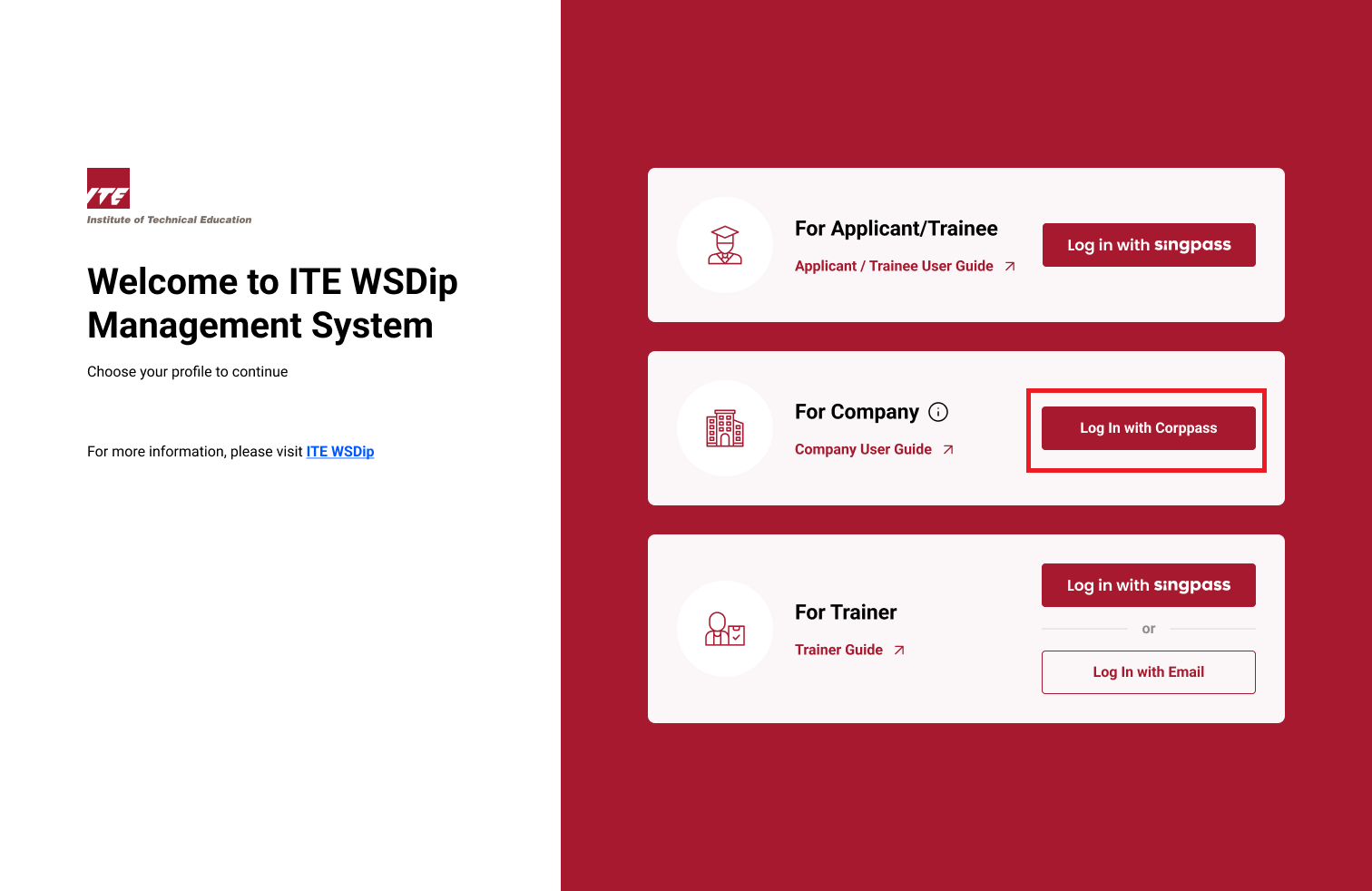
Step 1: Log On as Company Rep
Log on as Company Rep.
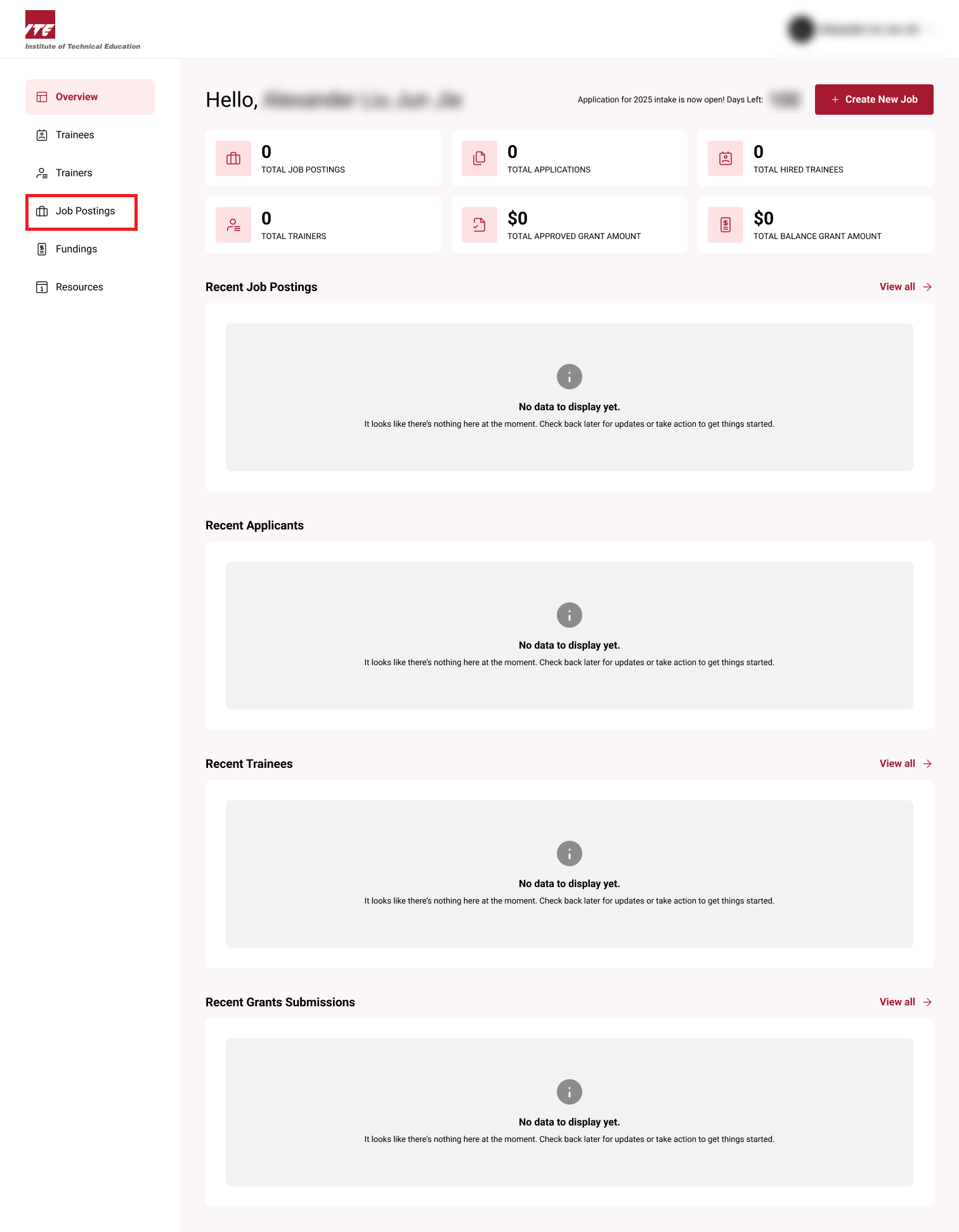
Step 2: Job Posting
Click on Job Posting.
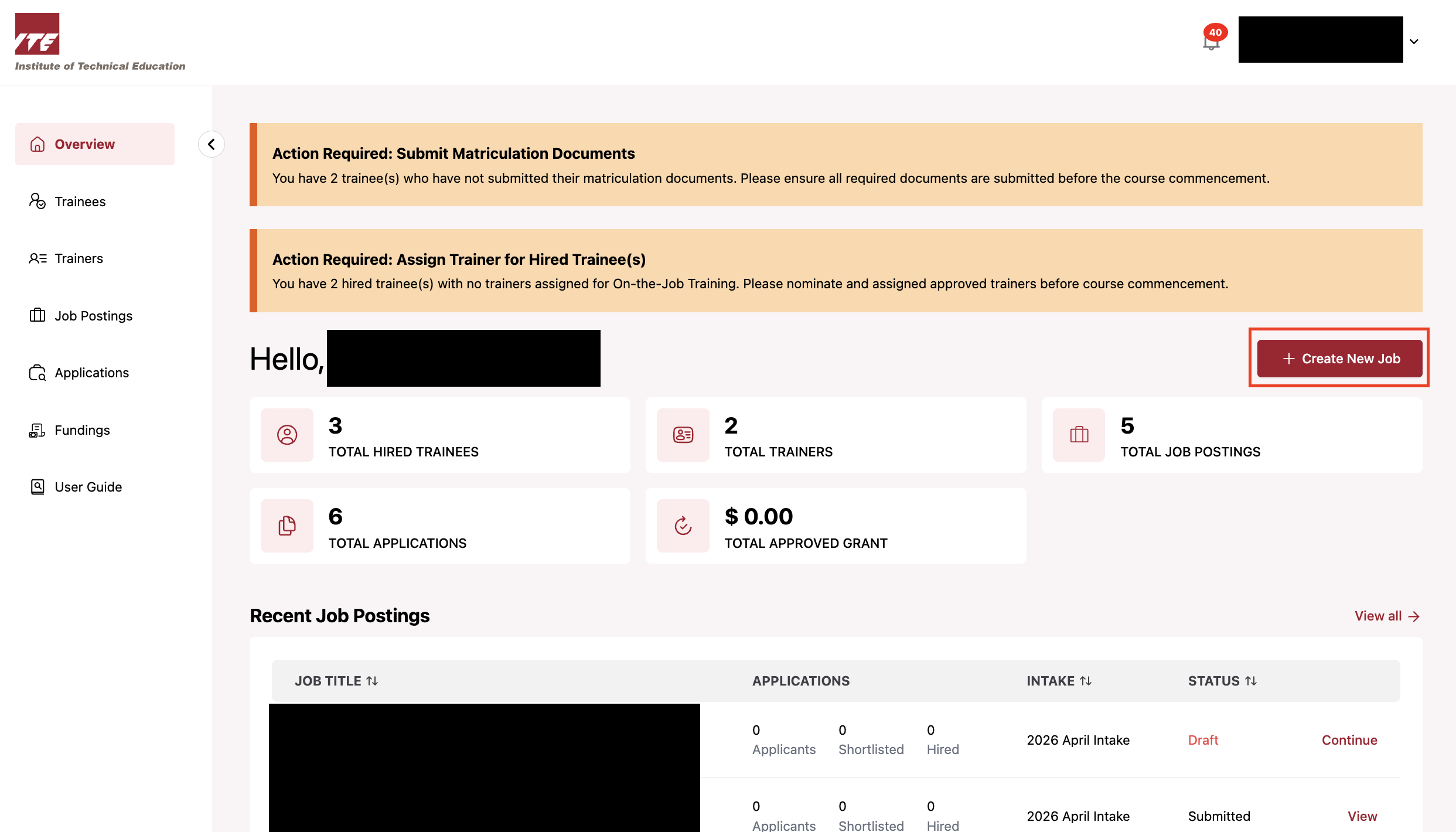
Step 3: Create New Job
Click Create New Job.
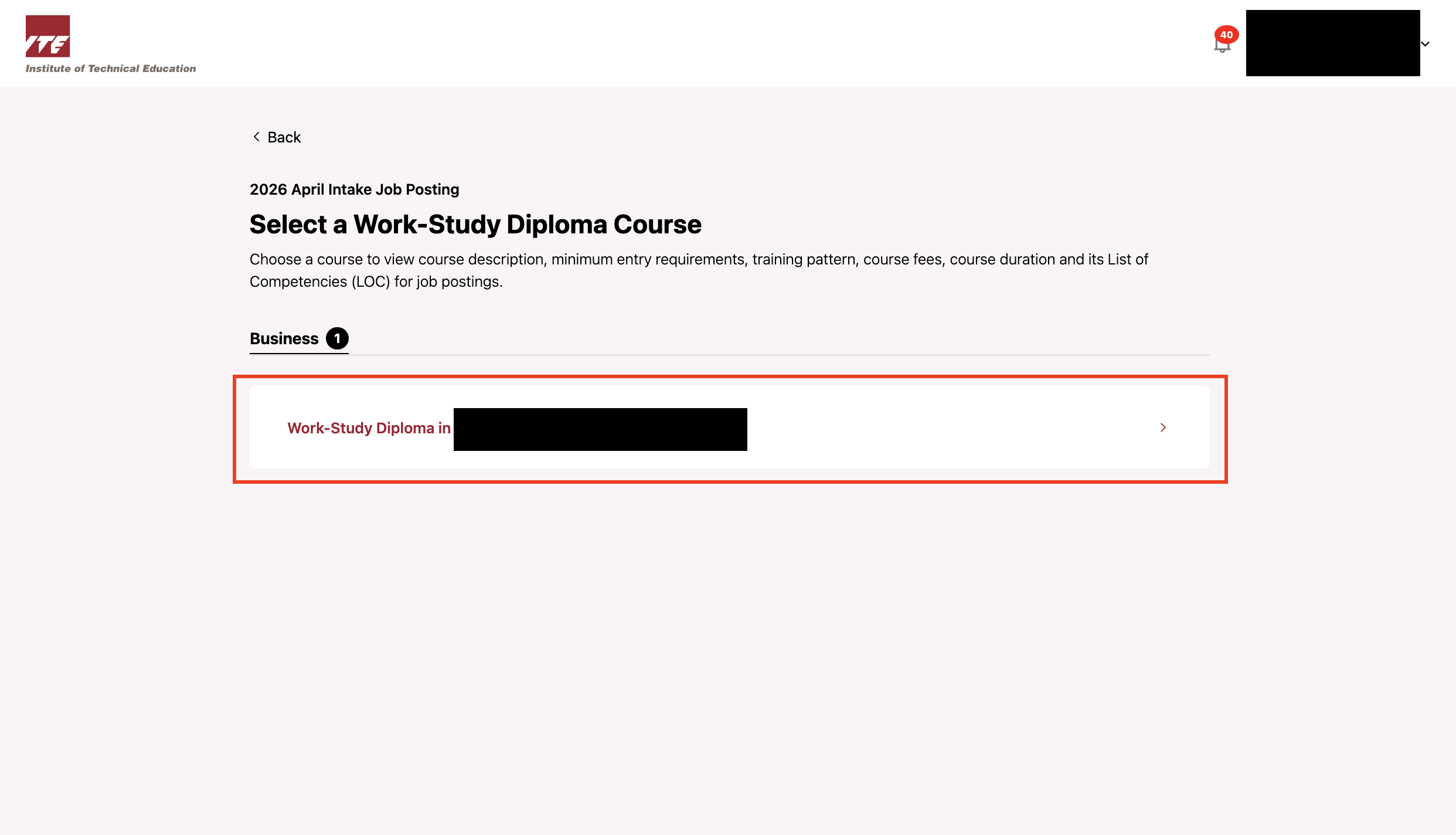
Step 4: Select Course
Click Work-Study Diploma in Logistics & Supply Chain Management.
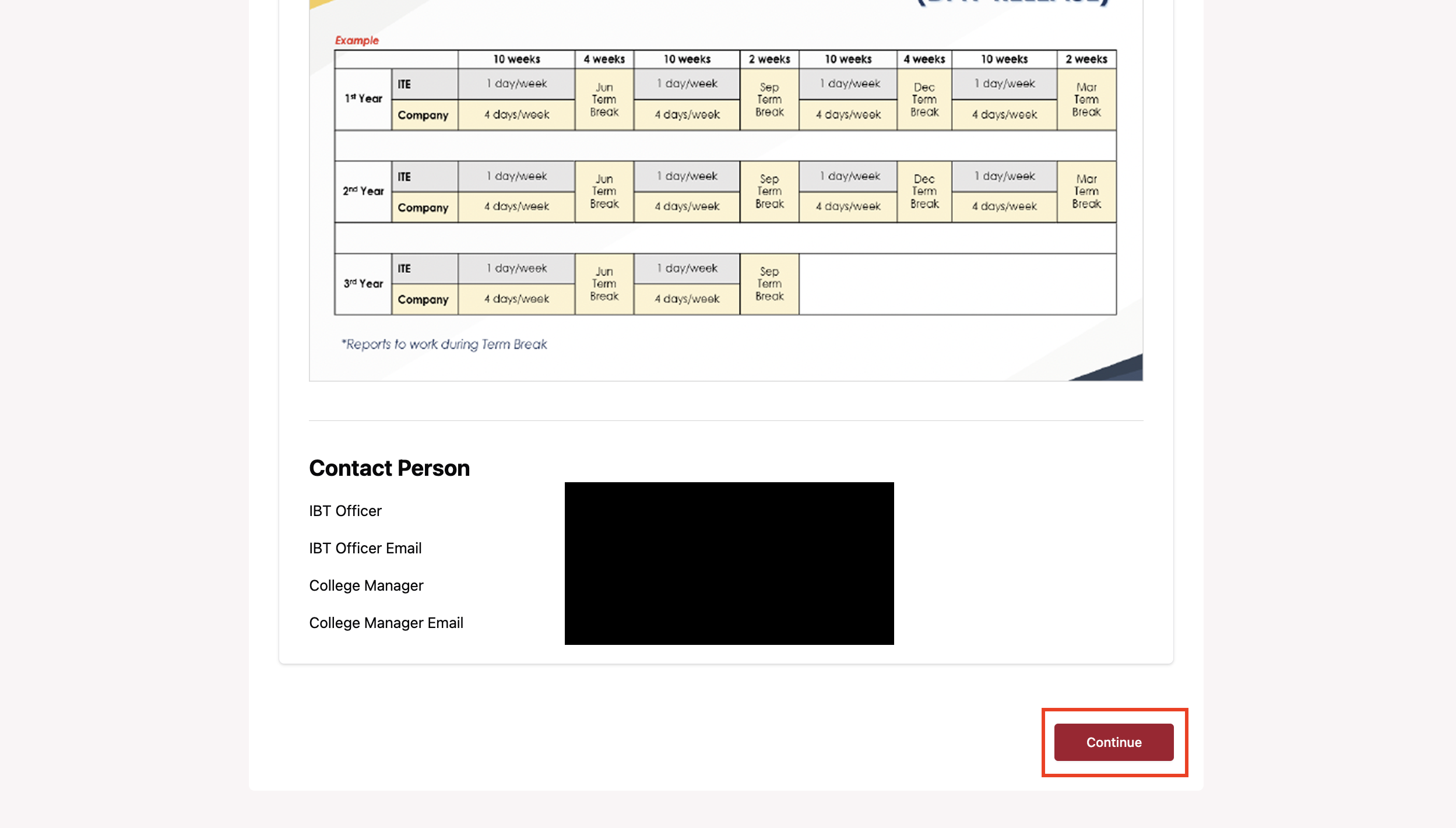
Step 5: Continue
Scroll down and click Continue.
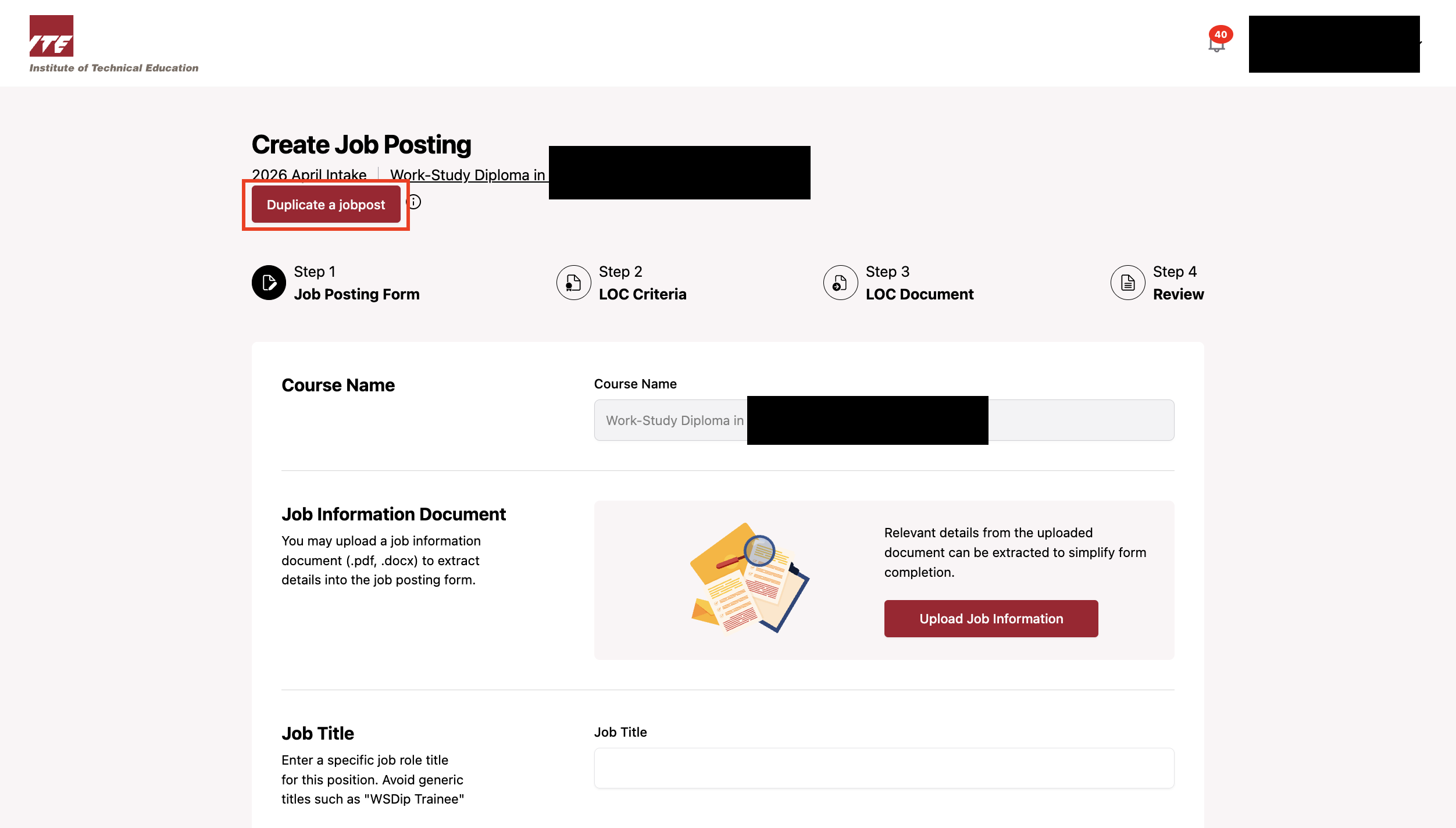
Step 6: Duplicate a Job Post
Click Duplicate a jobpost.
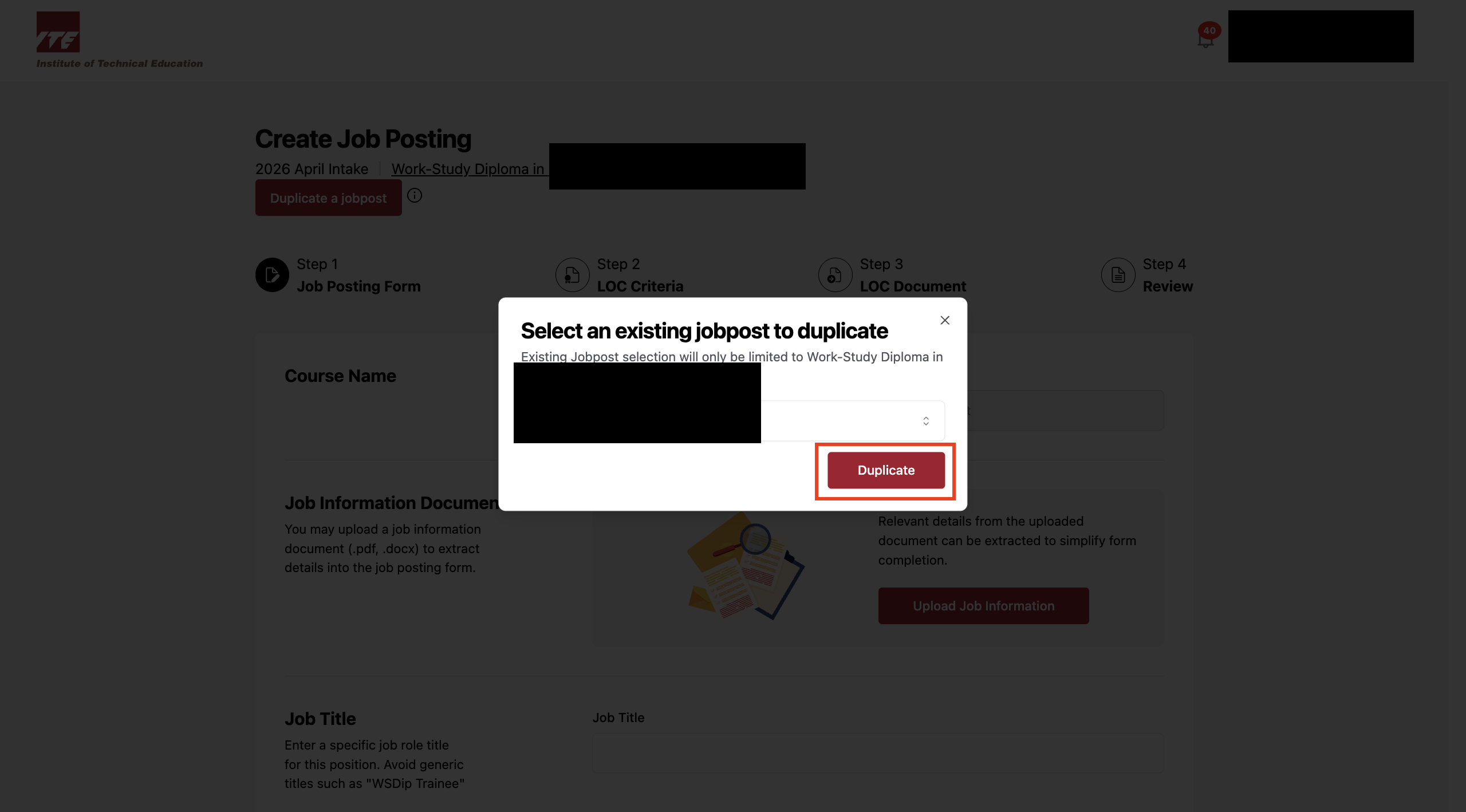
Step 7: Select Job Post to Duplicate
Select Supply Chain Management from the dropdown and click Duplicate.
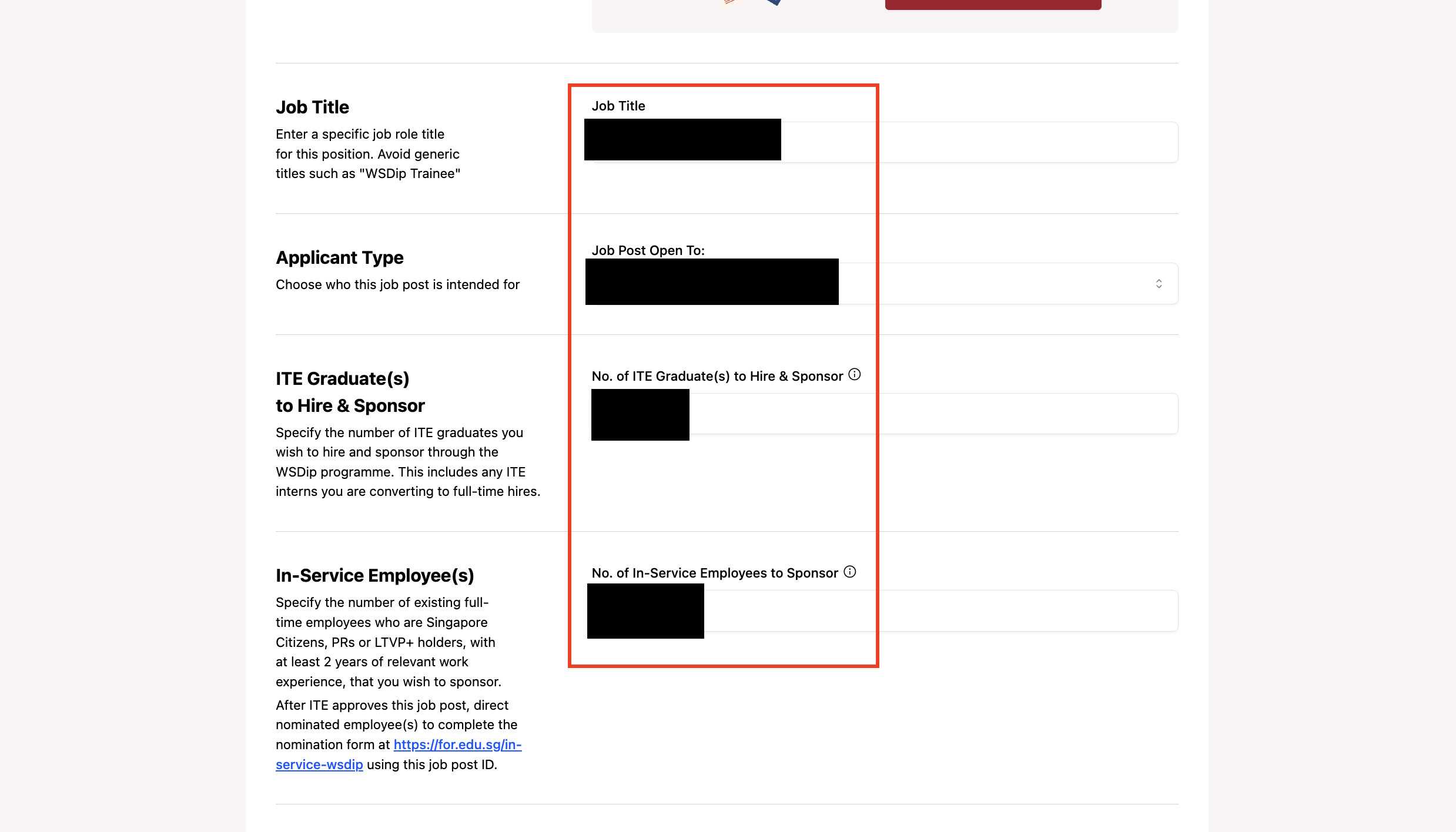
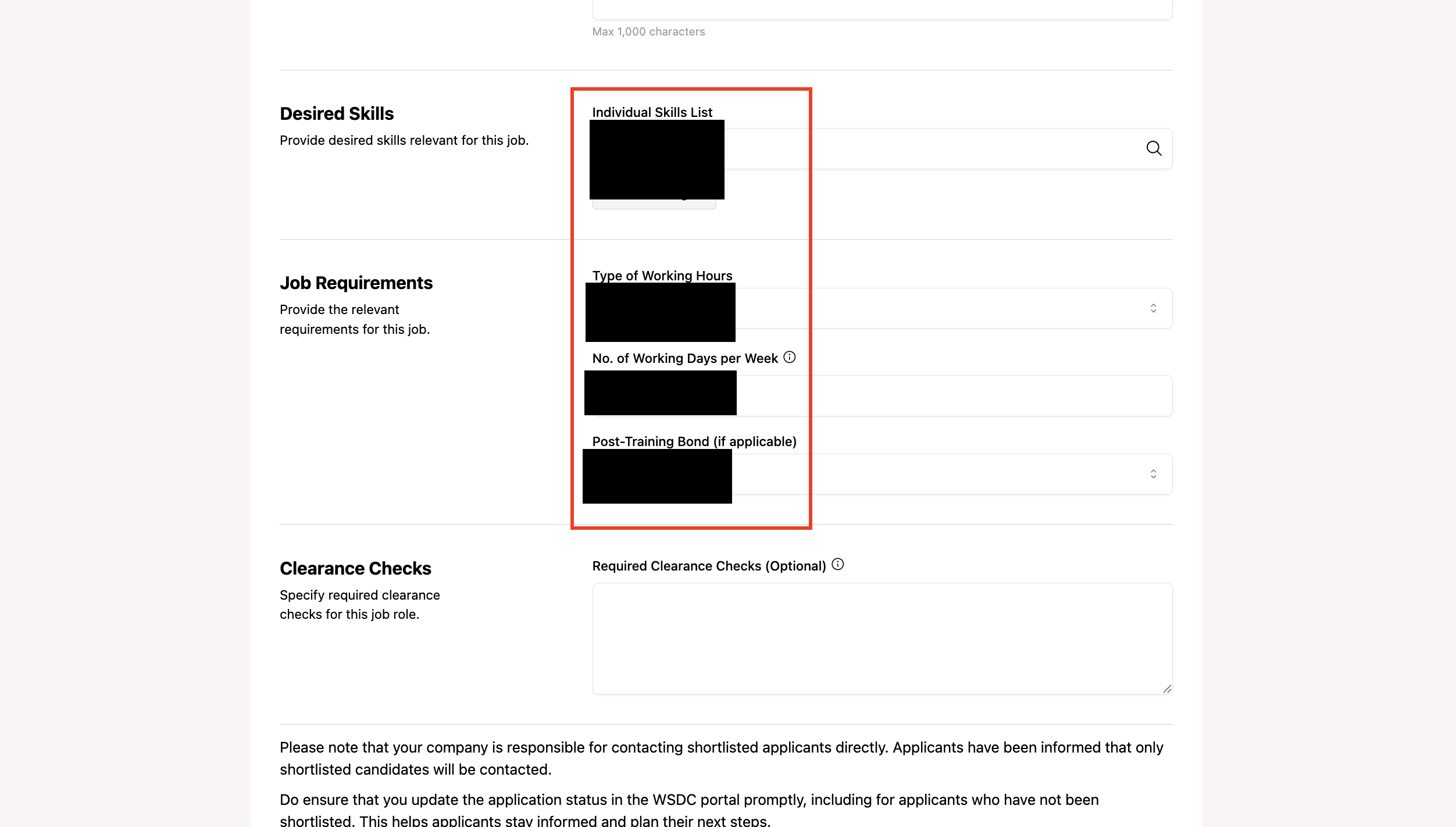
Step 8: Review Duplicated Fields
Scroll down and observe all the fields below.